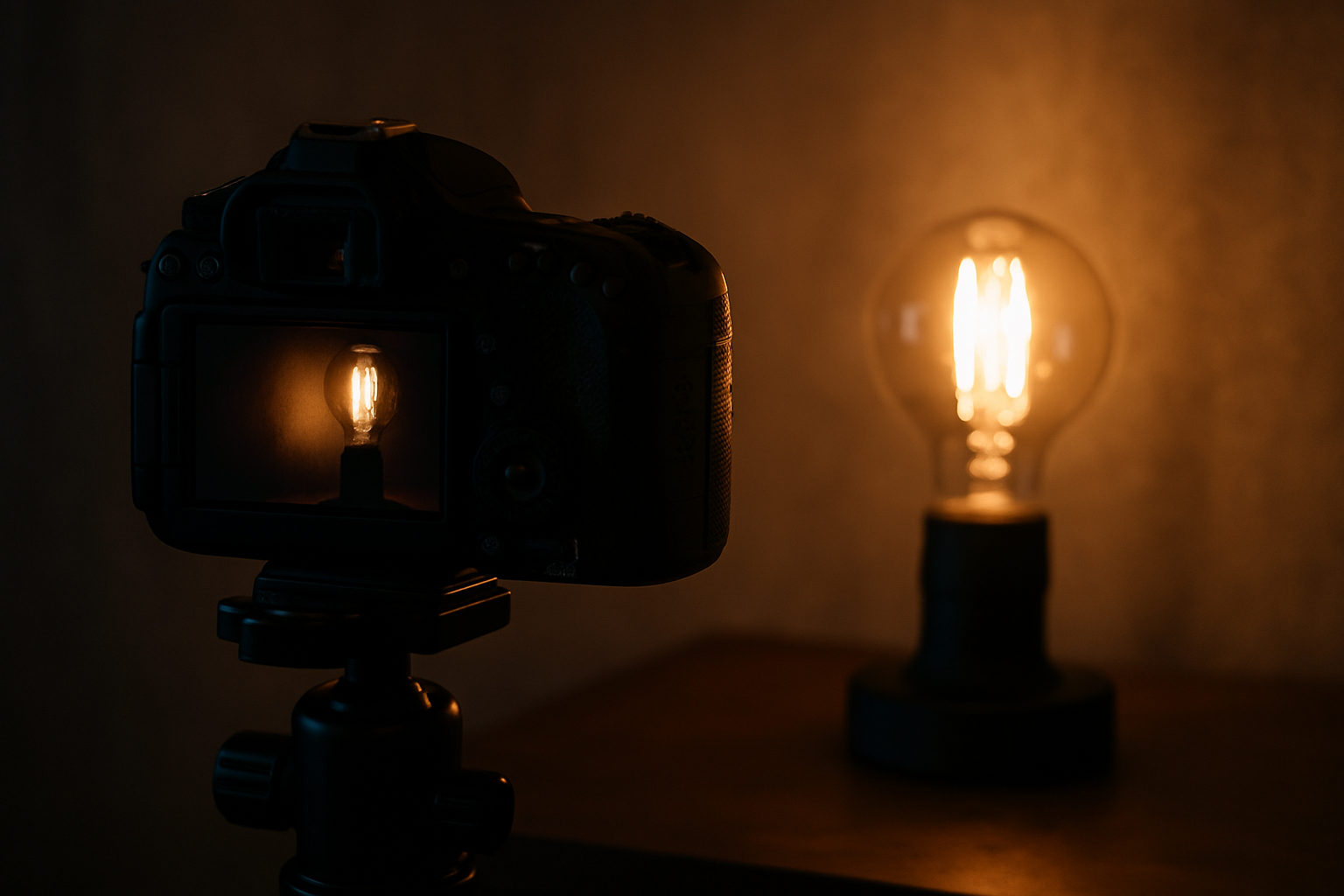
Photographing in low-light environments can seem challenging, especially for beginners. Noise, blurry shots, lack of sharpness, and washed-out colors are some of the common problems. However, with a few simple techniques and adjustments, it’s entirely possible to capture amazing images—even in difficult lighting conditions.
In this article, you’ll learn practical tips to improve your results when shooting at night, in dark indoor settings, events with limited lighting, or any situation with low natural or artificial light.
Understanding the Challenges of Low Light
Before anything else, it’s important to understand why low-light photography is so tricky:
- The camera needs more time to capture light, which can result in blurry images.
- Increasing ISO introduces noise, reducing image quality.
- The lens may struggle to focus, especially in auto mode.
- Colors may look desaturated or distorted, requiring post-editing.
Now that we know the challenges, let’s move on to the solutions.
Tip 1: Use ISO to Your Advantage
ISO determines the sensor’s sensitivity to light. The higher the ISO, the more sensitive it becomes—but the more noise it may introduce.
How to apply:
- In dark environments, raise the ISO to 800, 1600, or higher, depending on your camera.
- Test different levels to find the balance between exposure and noise.
- Newer cameras handle high ISO better—know your gear’s limits.
Tip 2: Lower the Shutter Speed Carefully
A slower shutter speed allows more light into the sensor, but increases the risk of motion blur.
How to apply:
- Try speeds like 1/30 or 1/15 seconds to capture more light.
- If photographing stationary subjects and your hands are steady, that may be enough.
- Whenever possible, use a tripod to prevent camera shake.
Tip 3: Open the Aperture as Wide as Possible
The aperture (f/stop) controls how much light enters through the lens. The lower the f-number, the more light gets in.
How to apply:
- Use settings like f/1.8, f/2.0, or f/2.8, if your lens supports it.
- Prime lenses often have wider apertures—great for low-light conditions.
- A wider aperture also creates background blur (bokeh), ideal for night portraits.
Tip 4: Use Available Light Sources
Even in dark environments, there’s usually some light—lamps, streetlights, computer screens, candles, etc.
How to apply:
- Position your subject close to the light source.
- Use side lighting for dramatic shadows and texture.
- Reflect light off walls, white surfaces, or mirrors.
Tip 5: Shoot in Manual or Semi-Auto Modes
Modes like “P”, “S/TV”, or “M” provide more control over camera settings.
How to apply:
- In manual mode (M), you adjust ISO, aperture, and shutter speed.
- In aperture priority mode (A/Av), you set the f/stop and the camera handles the rest.
- In shutter priority mode (S/Tv), you define the shutter speed—great for freezing or showing motion.
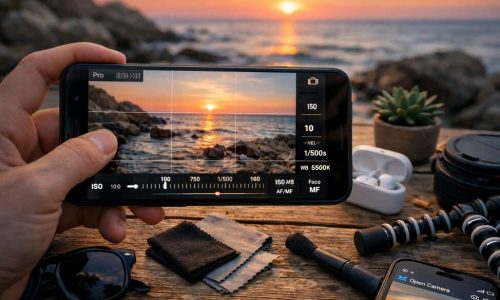
Tip 6: Use Manual Focus When Necessary
Cameras and smartphones may struggle to autofocus in the dark.
How to apply:
- Switch to manual focus, if available.
- On smartphones, tap to focus and lock focus if possible.
- If using a tripod, zoom in digitally on the screen to refine your focus manually.
Tip 7: Use Night Mode (on Smartphones)
Many modern smartphones have night mode, which simulates long exposure and enhances photos without manual adjustments.
How to apply:
- Activate night mode in your phone’s camera settings.
- Keep your phone as stable as possible during capture.
- Great for nightscapes, streets, or cozy candle-lit settings.
Tip 8: Avoid Direct Flash
Built-in camera or phone flashes often produce harsh light, overexposed details, and unnatural shadows.
How to apply:
- Use continuous LED lights or ring lights for better control.
- If using flash, bounce it off ceilings or diffuse it with soft materials.
- On smartphones, avoid flash and rely on available light or night mode.
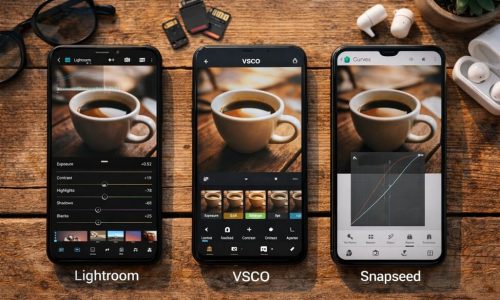
Tip 9: Edit Your Photos with Care
You can’t always get the perfect shot in-camera, but editing can make a huge difference.
How to apply:
- Use tools like Lightroom, Snapseed, or VSCO to tweak exposure, noise, and sharpness.
- Adjust color balance if tones are too yellow, green, or off.
- Avoid over-editing—aim for a natural finish.
Tip 10: Test, Experiment, and Know Your Limits
Each camera and phone model handles low light differently. The key is to experiment and evaluate your results.
How to apply:
- Shoot in various conditions (concerts, streetlights, dim rooms).
- Try different ISO, aperture, and shutter speed settings.
- Analyze what worked well and what needs improvement.
Let Darkness Spark Your Creativity
Low-light environments don’t have to be seen as obstacles—but as opportunities to create unique visuals. Intense shadows, strong contrasts, soft light, and mysterious atmospheres are elements that shine under dim conditions.
With the right techniques, you can turn limitations into artistic expression. Whether you’re shooting a concert, a candlelit dinner, or a quiet night street, darkness can reveal beauty where you’d least expect it.