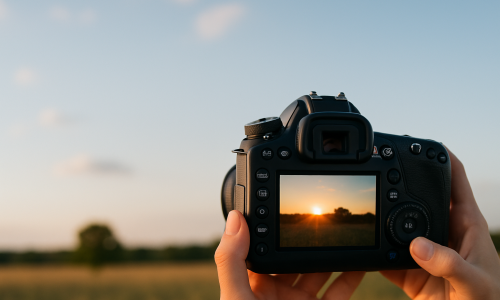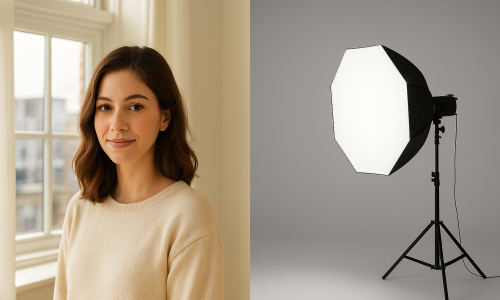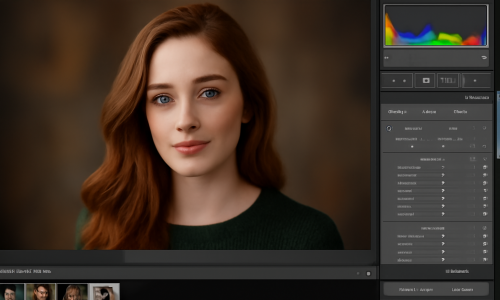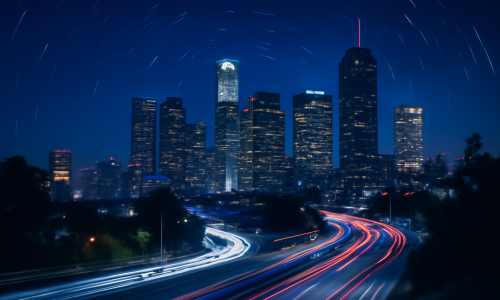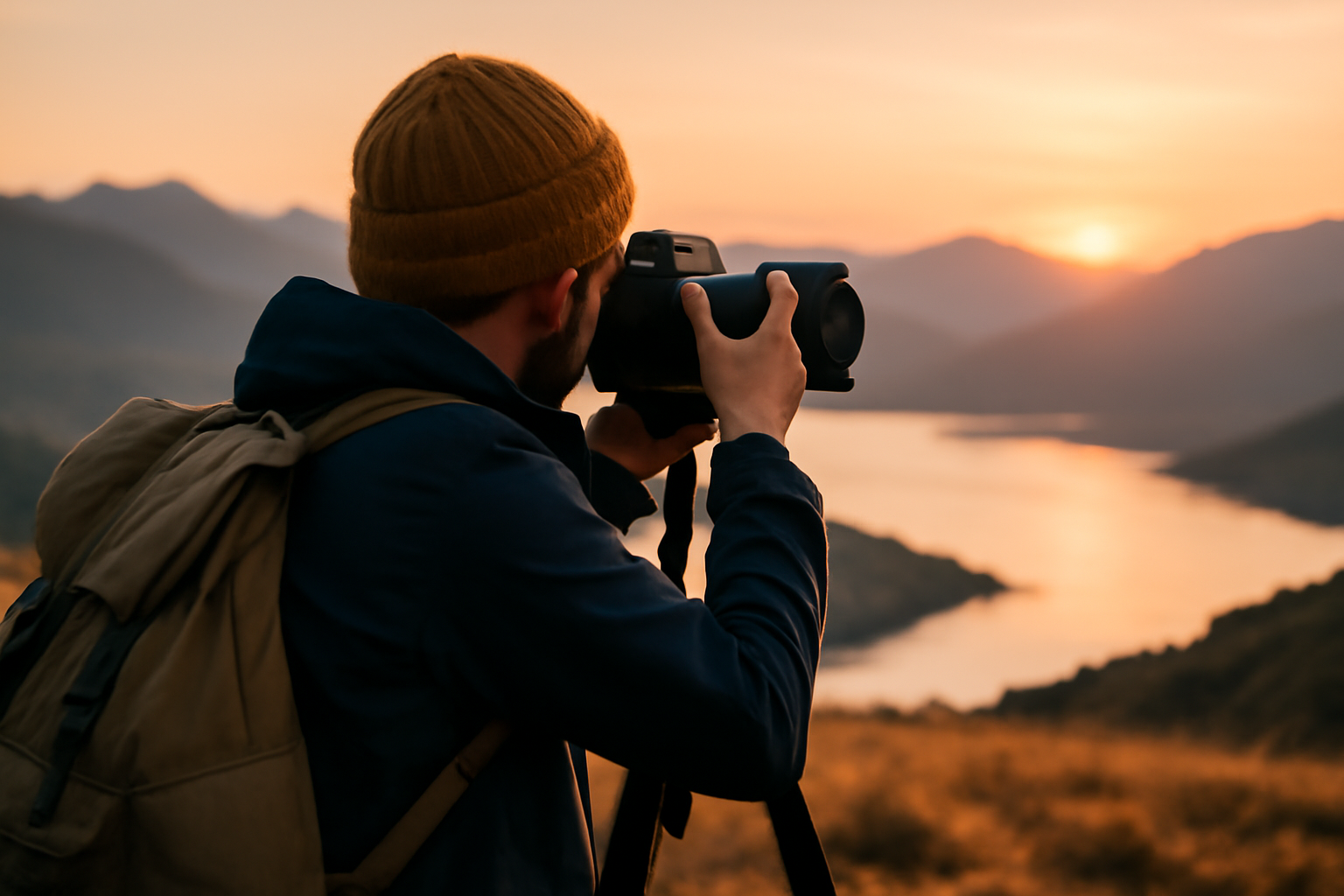
There’s something deeply humbling about standing in front of a breathtaking landscape, camera in hand, knowing you have the opportunity — and challenge — of turning that view into a timeless image. But capturing that magic isn’t just about pressing the shutter. Stunning landscape photography blends patience, technique, vision, and a whole lot of trial and error. And no, you don’t need the most expensive gear — you need the right mindset and the willingness to experiment. Whether you’re starting out or looking to improve your outdoor photography game, this guide will help you approach landscapes not just as scenes — but as stories waiting to be told. It Starts Before You Leave Home: Planning with Purpose Every great landscape photo begins before you even pick up your camera. Start with research. Use tools like Google Earth, PhotoPills, or The Photographer’s Ephemeris to scout locations, check sunrise/sunset times, and track light direction. Ask yourself:– What’s the weather forecast?– Is it better to go in golden hour or blue hour?– Will the tide affect coastal shots?– Is fog likely to roll in during the morning? One of my best landscape shots — a misty forest with golden sunlight cutting through — happened because I showed up an hour early, expecting the fog to lift. It didn’t. That moment was gone in 10 minutes. Preparation made it possible. Time of Day is Everything Light can make or break a landscape photo. No matter how incredible the scene is, harsh midday sun often flattens everything. Instead, aim for: – Golden hour: the warm, soft light just after sunrise or before sunset. Shadows lengthen, colors pop.– Blue hour: the magical twilight time when the sky turns deep blue, and everything feels calm and cinematic. These are not rules — but they are opportunities. Shoot during different times of day to see how light transforms a place. Gear Doesn’t Make You Better — But It Can Help Let’s be real: having a full-frame DSLR with a $2,000 lens isn’t required. Some of the most captivating landscape photos I’ve seen were taken on older cameras or even smartphones — because the photographer knew how to see. That said, here’s gear that helps: – Tripod: Absolutely essential for sharp images, especially at slower shutter speeds.– Wide-angle lens: Ideal for dramatic compositions — think mountains, valleys, vast skies.– Polarizing filter: Cuts glare and reflections, enhances contrast in skies and foliage.– Neutral density (ND) filters: Let you shoot long exposures in daylight — perfect for smooth water or moody skies. But remember, even with all this gear, you’re the one telling the story. Don’t get lost in tech — focus on vision. Composition Is What Separates Snapshots from Art Here’s where you move from taking pictures to making photographs. Good landscape composition is about intention. Every element in the frame should earn its place. 1. Think in Layers Foreground, middle ground, background — use them to create depth. A rock, flower, or puddle in the foreground gives scale and guides the viewer into the scene. 2. Use Leading Lines Roads, rivers, fences, shadows — anything that draws the eye into the photo is powerful. They create direction and movement. 3. Break the Horizon Rule (Intelligently) We’re often told to place the horizon on the top or bottom third. But sometimes, putting it dead center works — especially when reflections or symmetry are involved. Know the rule, then break it when the story demands. 4. Include Scale A lone hiker on a ridge, a tree next to a mountain, or your backpack by a waterfall — scale adds drama. It shows the grandeur of the scene by anchoring it with something relatable. Settings That Give You Detail and Drama Settings will always vary based on light, subject, and intention — but here’s a reliable starting point: – Aperture: f/8 to f/11 gives you sharpness across the scene.– Shutter speed: depends on movement. Use 1/60s+ handheld, but go slower (even seconds) on a tripod for long exposures.– ISO: keep it low (100–200) to avoid noise and maintain clarity.– Focus: use manual focus or single-point autofocus. Focus about 1/3 into the frame (hyperfocal distance) for maximum sharpness front to back. Don’t rely on “auto.” Learn how your camera behaves. The more manual control you have, the more consistent your results. Don’t Just Capture the Scene — Capture the Mood Technical sharpness is great, but emotional sharpness is better. Some of my favorite landscape photos aren’t the most “perfect” — they’re the ones that feel like something. A moody sky before a storm. A single tree surrounded by fog. A field of wildflowers under a pastel sky. Use light, shadows, color, and even absence of color to convey a mood. Ask yourself:“What do I feel here? And how can I let others feel it too?” That question changes everything. Shoot Vertical and Horizontal Most people shoot landscapes in horizontal format. It makes sense — you’re photographing a wide scene. But vertical landscape shots (especially for prints or social media) can be striking. Tall waterfalls, trees reaching into the sky, winding mountain roads — these scenes thrive in portrait orientation. Train your eye to reframe vertically. It forces new composition choices. Wait for the Right Moment — Then Wait a Bit Longer Patience is your secret weapon. The difference between a “nice” shot and an unforgettable one is often five extra minutes. Maybe the clouds shift, the light breaks through, the wind stills. Those are the moments that elevate a photo into art. On a trip to the desert, I waited almost an hour at the same spot. People came and left. I stayed. Then the sun lit the rocks in this golden glow — just for a minute. Worth every second. Weather Is Your Friend (Even the Bad Kind) Most photographers pack it in when the weather turns bad. Don’t. Fog adds mystery. Storm clouds add mood. Rain brings out saturated colors. Snow simplifies everything with contrast. Be safe, of course. But
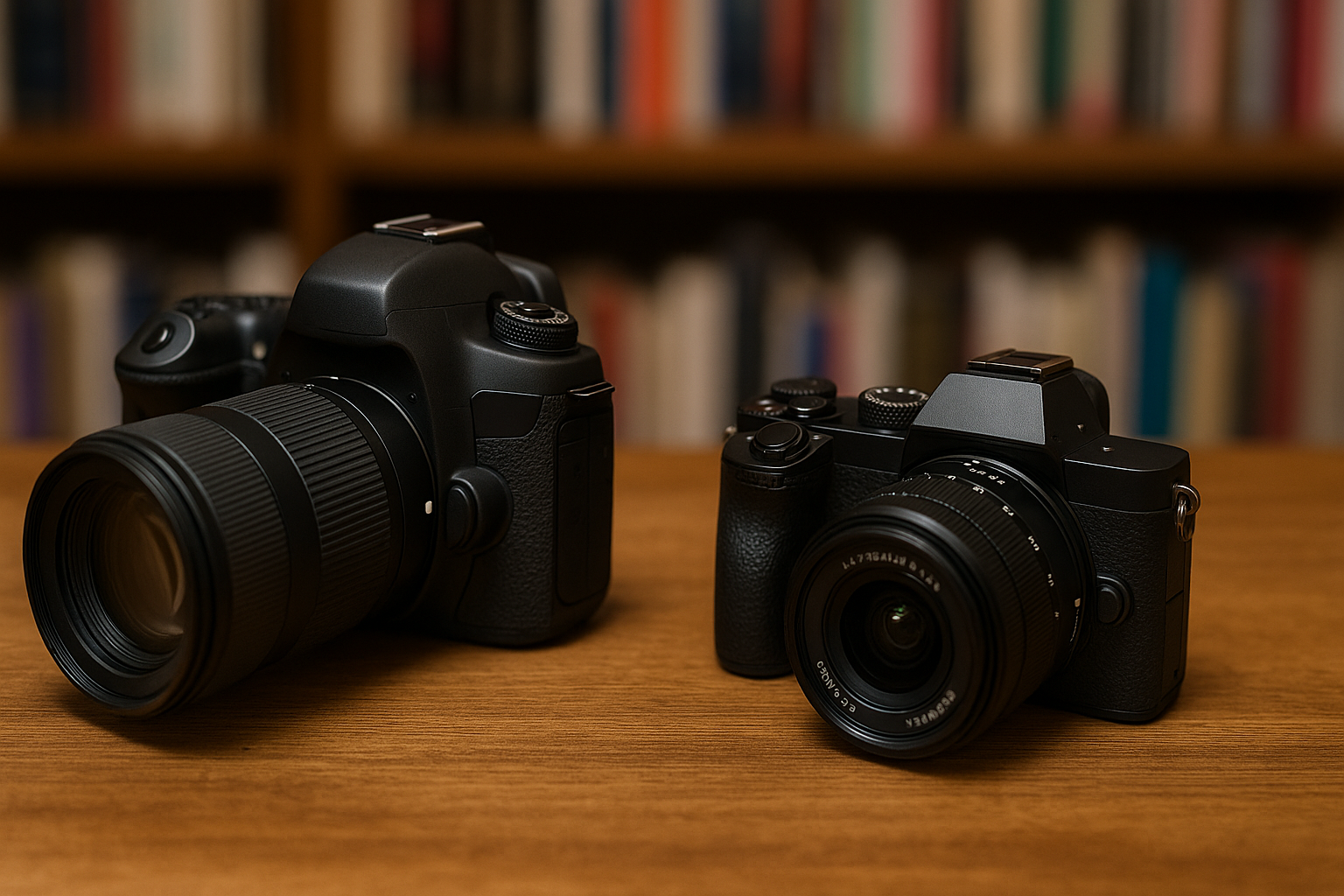
DSLR vs Mirrorless Cameras: Which One Should You Choose?
When you’re ready to take photography seriously, one of the first big questions you’ll face is: Should I buy a DSLR or a mirrorless camera? This decision is more than just choosing between two camera types; it sets the tone for how you approach photography, how much you invest, and even how you carry your gear. Having used both systems extensively, I can tell you there are real-world pros and cons to each. And while some enthusiasts love to debate endlessly about which is better, the truth is: the best camera is the one that suits your style, needs, and workflow. Let’s explore this comparison in depth, breaking down the differences in performance, usability, cost, and long-term growth. My goal? Help you make an informed, confident choice that fits your photography journey. What Is a DSLR? DSLR stands for Digital Single-Lens Reflex. These cameras use a mirror mechanism to reflect light from the lens into an optical viewfinder. When you press the shutter, the mirror flips up and light hits the image sensor. Why People Love DSLRs: DSLRs have been the go-to for professionals for decades. They’re reliable workhorses and have a huge ecosystem of lenses and accessories. What Is a Mirrorless Camera? Mirrorless cameras, as the name suggests, do not have a mirror mechanism. Light passes through the lens and directly hits the sensor, with a digital display (or electronic viewfinder) showing you the scene in real time. Why Mirrorless Is Gaining Ground: Mirrorless cameras represent the future of photography, and brands are investing heavily in their development. Size and Portability This is one of the first differences you’ll notice. Mirrorless cameras are significantly smaller and lighter. If you enjoy street photography, travel, or long walks with your camera, mirrorless wins. When I switched to a mirrorless system, my shoulder thanked me. Carrying gear for hours became much easier. It encouraged me to take my camera everywhere, which led to more practice and better photos. However, some photographers prefer the heft and grip of a DSLR. The size can add stability when shooting handheld, especially with longer lenses. Battery Life Here, DSLRs generally outperform mirrorless cameras. Because mirrorless systems constantly use their screen or EVF, they consume more power. A DSLR can easily shoot 800–1,000 photos on one battery; a mirrorless might need a spare battery by mid-day. That said, battery tech is improving. And carrying a couple of extra batteries is a small price for portability. Autofocus Performance This used to be a DSLR stronghold. Not anymore. Modern mirrorless cameras now feature blazing-fast autofocus systems, including eye detection that tracks your subject even if they move unpredictably. This is incredibly useful for portraits, events, and sports. DSLRs rely on phase detection AF, which is fast but less accurate in live view or video mode. Mirrorless systems use on-sensor AF, which can be more precise, especially with modern firmware updates. Lens Availability DSLRs have a head start. Brands like Canon and Nikon built decades of lenses around their DSLR mounts. This means: Mirrorless systems started from scratch. But in just a few years, they’ve made incredible progress. Most brands now offer high-quality native lenses, and adapters allow you to use DSLR lenses on mirrorless bodies (though not always with full functionality). Viewfinders: Optical vs Electronic This comes down to preference. When I first used an EVF, I wasn’t sure I liked it. But after a few weeks, I found myself depending on the live exposure preview. It helped me nail shots faster. Still, some photographers—especially in bright sunlight—prefer the clarity of an optical viewfinder. Burst Shooting and Frame Rate If you’re into action photography, speed matters. Mirrorless cameras often boast higher burst rates thanks to electronic shutters. You can shoot silently at 20+ frames per second without mirror slap. DSLRs are usually limited to 5–10 fps and have mechanical shutters that make noise. Some professionals love that satisfying click, but for wildlife and quiet events, silence is golden. Video Capabilities Mirrorless wins here, hands down. With features like: Mirrorless cameras are the top choice for hybrid shooters—those who do both photography and videography. DSLRs can shoot good video, but they often lack modern features. Plus, their AF in video mode is usually slower and less accurate. Durability and Ergonomics DSLRs are bulkier, but that bulk often comes with rugged weather sealing and larger grips. If you shoot in tough conditions or have big hands, this might be a big plus. Mirrorless bodies are improving in this area. Flagship models like the Sony A7R V or Canon R5 have excellent build quality. But entry-level mirrorless cameras can feel a bit more fragile. Price Comparison You might think mirrorless is more expensive—but it depends. Entry-level DSLR kits (like the Canon Rebel or Nikon D3500) are often more affordable than their mirrorless equivalents. However, mid-range and pro-level mirrorless systems now offer better value. And since they’re the focus of innovation, you’re more likely to find long-term support. Don’t forget to budget for lenses and accessories. Sometimes the body is cheap, but the lenses are costly. Long-Term Investment Let’s be honest: DSLR development is slowing down. Most brands have shifted R&D to mirrorless systems. This means future upgrades, lens compatibility, and support will lean heavily toward mirrorless. That doesn’t mean DSLRs are obsolete. If you find a good deal and love the feel of a DSLR, go for it. But if you want future-proofing and tech advancements, mirrorless is the safer bet. Real-World Scenarios: Which One Fits You? Personal Experience: My Transition Story I started with a DSLR—Canon Rebel T3i—and loved it. It taught me exposure, manual settings, and composition. When I switched to mirrorless (Sony A6400), I felt like I gained superpowers. It wasn’t a replacement—it was an evolution. Common Pitfalls to Avoid When Choosing Many beginners choose based on trends or marketing, not their actual needs. Here are a few mistakes to avoid: Making the Switch: What to Expect If you’re moving from DSLR to mirrorless, be prepared for some
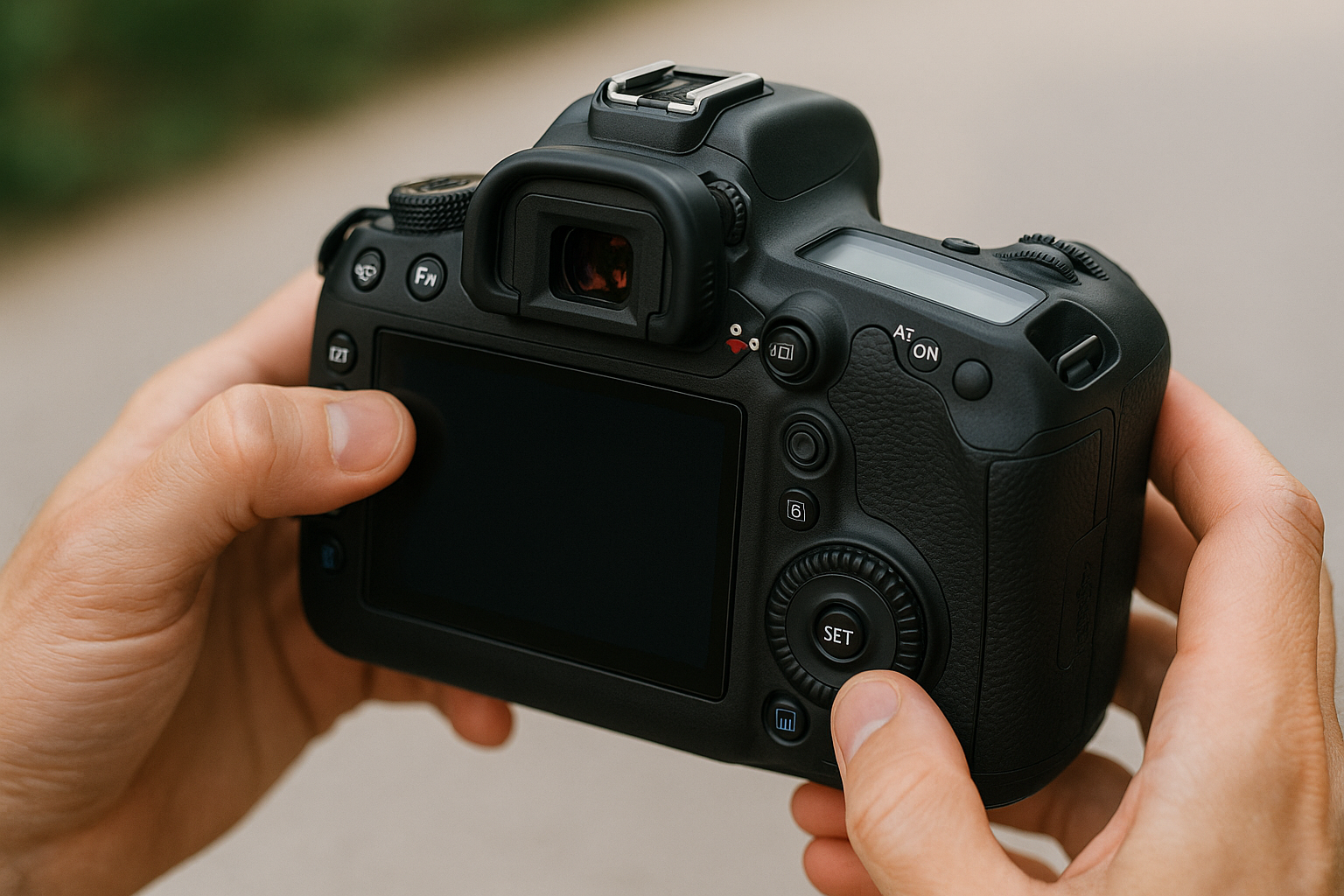
Best Camera Settings for Sharp, Clear Photos
Every photographer — beginner or professional — shares one essential goal: capturing images that are sharp, clear, and well-defined. Whether it’s a portrait, a landscape, or a fast-moving subject, image sharpness can make the difference between a photo that impresses and one that underwhelms. And yet, sharpness is often misunderstood. Many assume that the key to a clear photo is just buying a better camera. But the truth is: the right settings, used at the right moment, make a far bigger impact than gear alone. In this article, we’ll walk through everything you need to know about camera settings that help produce crisp, tack-sharp photos — even if you’re just getting started. Understanding Sharpness in Photography Let’s clarify one thing first: “sharpness” doesn’t mean harshness or extreme contrast. It refers to the clarity of details in an image — from the glint in someone’s eyes to the texture of rocks in a landscape. There are two types of sharpness you’ll deal with: Both are important. And both can be dramatically improved with the right settings and techniques. Use Manual or Semi-Auto Mode To get consistently sharp images, you’ll need to go beyond auto mode. The reason? Auto doesn’t always choose settings optimized for sharpness — especially in low light or fast motion. Instead, switch to: These modes give you creative power over settings that directly affect sharpness. 1. Shutter Speed: Freeze the Moment Let’s start with one of the most critical factors: shutter speed. A slow shutter speed introduces motion blur — either from the subject or from your own hands. Here’s a general guide for sharp handheld shooting: Rule of thumb: your shutter speed should be at least 1 over your focal length to avoid camera shake. So if you’re shooting at 85mm, aim for 1/85 or faster. Pro tip: If in doubt, go faster. You can always brighten the image with ISO or a wider aperture. 2. Aperture: Control Depth of Field Aperture affects how much of your scene is in focus — and how clearly your subject stands out. But be careful: going too wide can lead to missed focus, especially if your subject moves slightly. And going too narrow (like f/22) can cause diffraction, which actually softens the image. Sweet spot: Most lenses are sharpest between f/5.6 and f/8 — try shooting there for max clarity. 3. ISO: Keep It Low When Possible ISO determines how sensitive your camera is to light. But increasing ISO also increases noise — which can make your photo look grainy and reduce sharpness. To keep ISO low, prioritize good lighting and use a tripod when shooting in low-light environments. Pro tip: It’s better to use a slightly higher ISO than to get motion blur from a slow shutter. Sharp with grain beats blurry every time. 4. Focus Mode: Nail the Shot Sharp photos require precise focusing. If your subject isn’t in focus, no setting will save you. Use the right focus mode based on your subject: Don’t rely on the camera’s automatic area selection. Always choose your own focus point, especially when shooting at wide apertures. Pro tip: Focus on the eyes when photographing people. It’s where viewers look first — and sharp eyes can save an otherwise soft photo. 5. Image Stabilization: Use It Wisely Many modern cameras and lenses come with image stabilization (IS/VR/IBIS). This allows you to shoot at slower shutter speeds without introducing blur from hand movement. But remember: Bonus tip: When shooting handheld in low light, breathe out slowly and gently press the shutter — don’t jab it. 6. Use a Tripod for Maximum Sharpness If sharpness is your top priority — especially for landscapes, product shots, or long exposures — nothing beats a tripod. Tripods remove hand shake entirely, allowing you to: Pair your tripod with a remote shutter release or use a 2-second timer to avoid camera movement when pressing the shutter. Pro tip: Hang a weight from your tripod’s center column for more stability, especially in wind. 7. Mirror Lock-Up & Silent Shooting For DSLR users, the mirror inside the camera flips up when you take a photo — and that movement can cause micro-vibrations that reduce sharpness. Enable mirror lock-up mode or live view shooting to minimize this. Mirrorless shooters can use electronic shutter or silent shooting modes, which also reduce internal vibrations and noise. It’s a small difference — but when shooting at high resolutions or long exposures, every bit helps. 8. Use High-Quality Lenses Camera settings can only take you so far — your lens quality plays a huge role in image sharpness. Cheap kit lenses are okay to start with, but prime lenses and higher-end zooms often deliver much better clarity. Look for lenses known for: That said, even with basic lenses, using the sweet spot aperture (f/5.6–f/8) and proper technique will give you surprisingly sharp results. 9. Clean Your Lens and Sensor This might sound obvious, but you’d be surprised how many “blurry” photos are caused by: Always carry a lens cleaning cloth or pen, and clean your gear regularly. It makes a difference. 10. Use Back-Button Focus (Advanced Tip) Back-button focus separates focusing from the shutter button. Instead of half-pressing the shutter to focus, you assign focus to a button on the back of the camera (usually AF-ON). This gives you: It takes a little getting used to, but many professionals swear by it — especially for sports and portraits. Bonus: Sharpness Starts with Good Technique Even with the perfect settings, technique matters. Here are a few habits to build: When Sharpness Isn’t Everything It’s worth noting: sharpness is important — but it’s not everything. Some of the most emotional, memorable images in history aren’t technically perfect. And that’s okay. Use sharpness as a tool — not as a rule. Know when to break it. Motion blur can convey energy. Soft focus can create mood. Technical perfection doesn’t always mean artistic impact. Final Thoughts Sharp, clear images aren’t just a product of fancy gear —
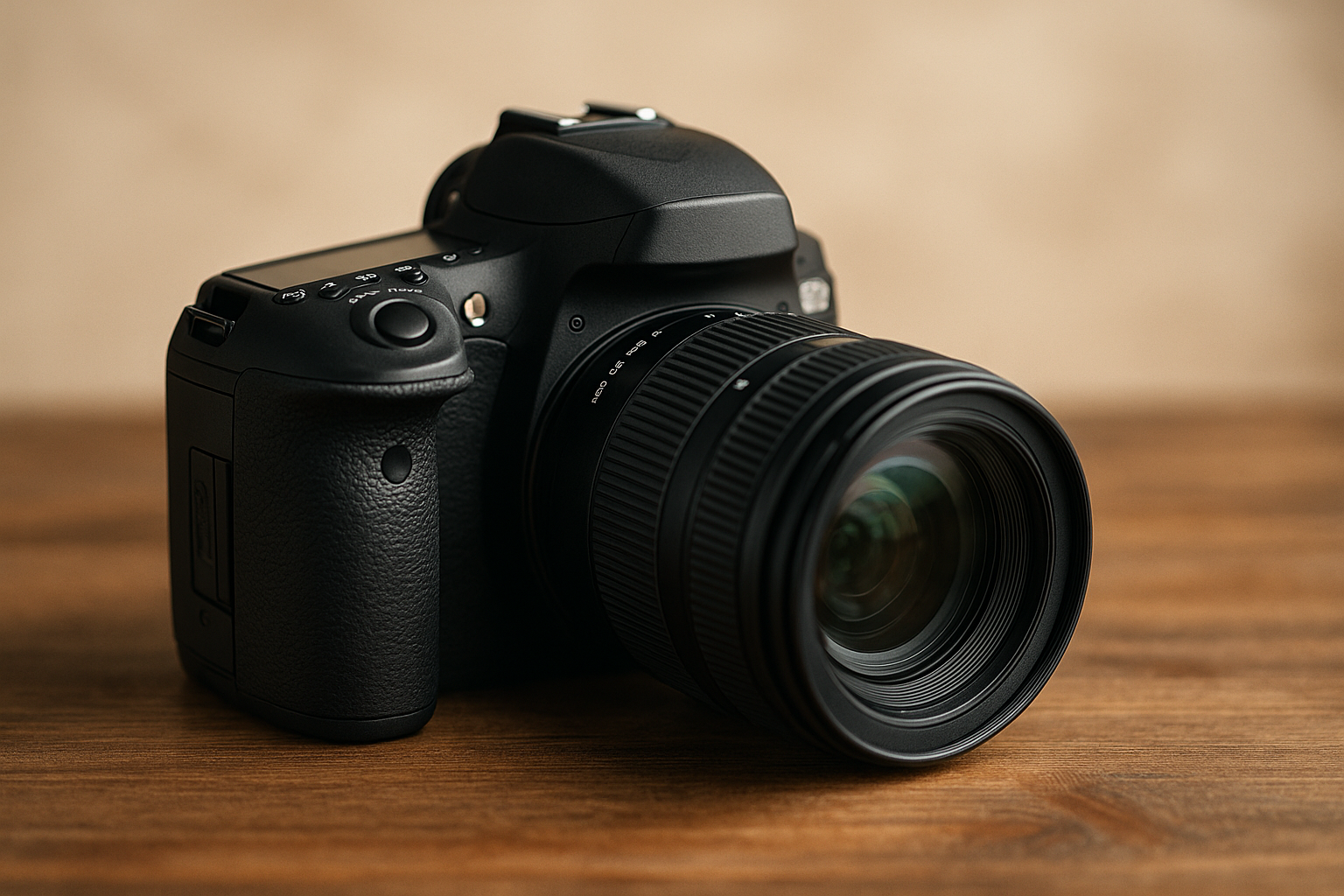
Best Affordable Cameras for Beginners
Starting your journey in photography is exciting. But when it comes to choosing your first camera, it can quickly feel overwhelming — especially if you’re on a budget. The internet is full of reviews, specs, technical jargon, and endless camera models that promise the world. But here’s the truth: you don’t need the most expensive gear to take beautiful photos. You just need the right camera for where you are right now. In this guide, we’ll break down the best affordable cameras for beginners — ones that give you great quality, easy-to-use features, room to grow, and most importantly, won’t empty your wallet. Whether you’re interested in portraits, landscapes, travel, or just learning the basics, these cameras are fantastic entry points into the world of photography. What Makes a Camera Beginner-Friendly? Before listing specific models, it’s important to understand what to look for in a camera when you’re just starting out. A good beginner camera should: Be easy to use, with intuitive controls and a helpful menu systemOffer manual settings so you can grow your skillsHave interchangeable lenses (for DSLRs or mirrorless systems)Deliver great image quality, even in automatic modeBe lightweight and portable, especially if you’ll carry it oftenFit your budget, but still be a long-term investmentYou don’t need the latest and greatest specs — you need something that lets you learn the fundamentals and enjoy the process. DSLR vs Mirrorless: Which Should You Choose? This is a common question. Both DSLR and mirrorless cameras can be great for beginners, but here’s a quick comparison to help you decide: DSLR (Digital Single-Lens Reflex) Pros: Optical viewfinder, strong battery life, large ecosystem of lenses, often cheaper usedCons: Larger and heavier, slightly outdated technology, less common in new releasesGreat examples: Canon Rebel series, Nikon D3500 Mirrorless Pros: More compact, electronic viewfinder, live exposure preview, faster autofocusCons: Shorter battery life, newer (can be pricier), but rapidly growing marketGreat examples: Sony Alpha series, Canon M-series, Fujifilm X-series If you’re a beginner in 2025, mirrorless is the more future-proof choice, but DSLRs still offer amazing value — especially on the used market. Best Affordable Cameras for Beginners (2025 Edition) Here are some of the best bang-for-your-buck beginner cameras available this year. These models strike a great balance between price, performance, and ease of use. Canon EOS Rebel T7 / 2000D (DSLR) Price range: $400–$500 with kit lens The Canon Rebel T7 is one of the most popular beginner DSLRs. It’s straightforward, reliable, and produces beautiful images right out of the box. The interface is beginner-friendly, and you get access to a huge selection of Canon EF and EF-S lenses. Key features: 24.1 MP APS-C sensorBuilt-in Wi-Fi and NFCFull HD video recordingLong battery lifeOptical viewfinderWhy it’s great: It’s one of the most affordable DSLRs, perfect for someone who wants to learn with a traditional camera style. Nikon D3500 (DSLR) Price range: $450–$550 with kit lens The D3500 is a rock-solid DSLR that’s known for its outstanding battery life and image quality. It’s slightly more compact than most DSLRs and features a “Guide Mode” that teaches beginners how to shoot in different conditions. Key features: 24.2 MP APS-C sensorIncredible battery life (over 1,000 shots per charge)Lightweight for a DSLRBluetooth connectivityWhy it’s great: If you want something that feels classic, performs brilliantly, and helps you learn at the same time — this is a winner. Sony Alpha a6100 (Mirrorless) Price range: $700–$800 with kit lens A bit pricier, but a fantastic mirrorless option if you want fast autofocus, portability, and room to grow. The a6100 performs well for both photography and video, making it a great hybrid camera. Key features: 24.2 MP APS-C sensorReal-time Eye Autofocus (great for portraits)4K video recordingCompact and lightweightWhy it’s great: Sony’s mirrorless ecosystem is huge, and this model gives you access to pro-level features in a beginner-friendly body. Canon EOS M50 Mark II (Mirrorless) Price range: $600–$700 with kit lens A favorite among vloggers and beginner photographers, the M50 Mark II is easy to use and surprisingly powerful. It’s especially good for those interested in both stills and video. Key features: 24.1 MP APS-C sensor4K video (with crop)Vari-angle touchscreenEye Detection AutofocusWhy it’s great: The flip-out screen and fast autofocus make it ideal for selfies, content creation, and everyday shooting. Fujifilm X-T200 (Mirrorless) Price range: $500–$600 with kit lens The X-T200 combines retro design with modern tech. Fujifilm is known for its gorgeous color science, meaning your images often look great straight from the camera. Key features: 24.2 MP APS-C sensorLarge vari-angle LCD touchscreenFilm simulation modes4K video at 30fpsWhy it’s great: It’s perfect for someone who values style, color, and wants a fun shooting experience. Olympus OM-D E-M10 Mark IV (Mirrorless, Micro Four Thirds) Price range: $600–$700 with kit lens This camera is super compact, stylish, and ideal for travel or everyday photography. It uses a smaller Micro Four Thirds sensor but still delivers beautiful results. Key features: 20 MP Micro Four Thirds sensorIn-body image stabilization4K videoFlip-down screenWhy it’s great: The stabilization is a game-changer for handheld shots, and it feels like a premium camera in a small package. What About Used Cameras? If you’re comfortable buying second-hand, your budget can stretch a lot further. You could find: A Canon 80D or Nikon D5600 for under $500Older Sony A6000 kits for under $400Even full-frame cameras like the Canon 6D under $600Just be sure to: Buy from reputable sellers or camera storesCheck shutter countMake sure everything worksAsk about return policyBuying used is one of the best-kept secrets in photography — especially when you’re starting out. What Else Will You Need? Buying a camera is just the beginning. Here are some essential accessories that will help you get the most out of your setup: Memory card (at least 32GB, Class 10 or faster)Extra batteryCamera bagTripodLens cleaning kitEditing software (like Lightroom, or free tools like Darktable)Optional but useful: A prime lens like a 50mm f/1.8A UV filterAn external microphone (for video) How to Choose the Right Beginner Camera for YOU With so many great options, how
Best Free Photo Editing Apps for Smartphones
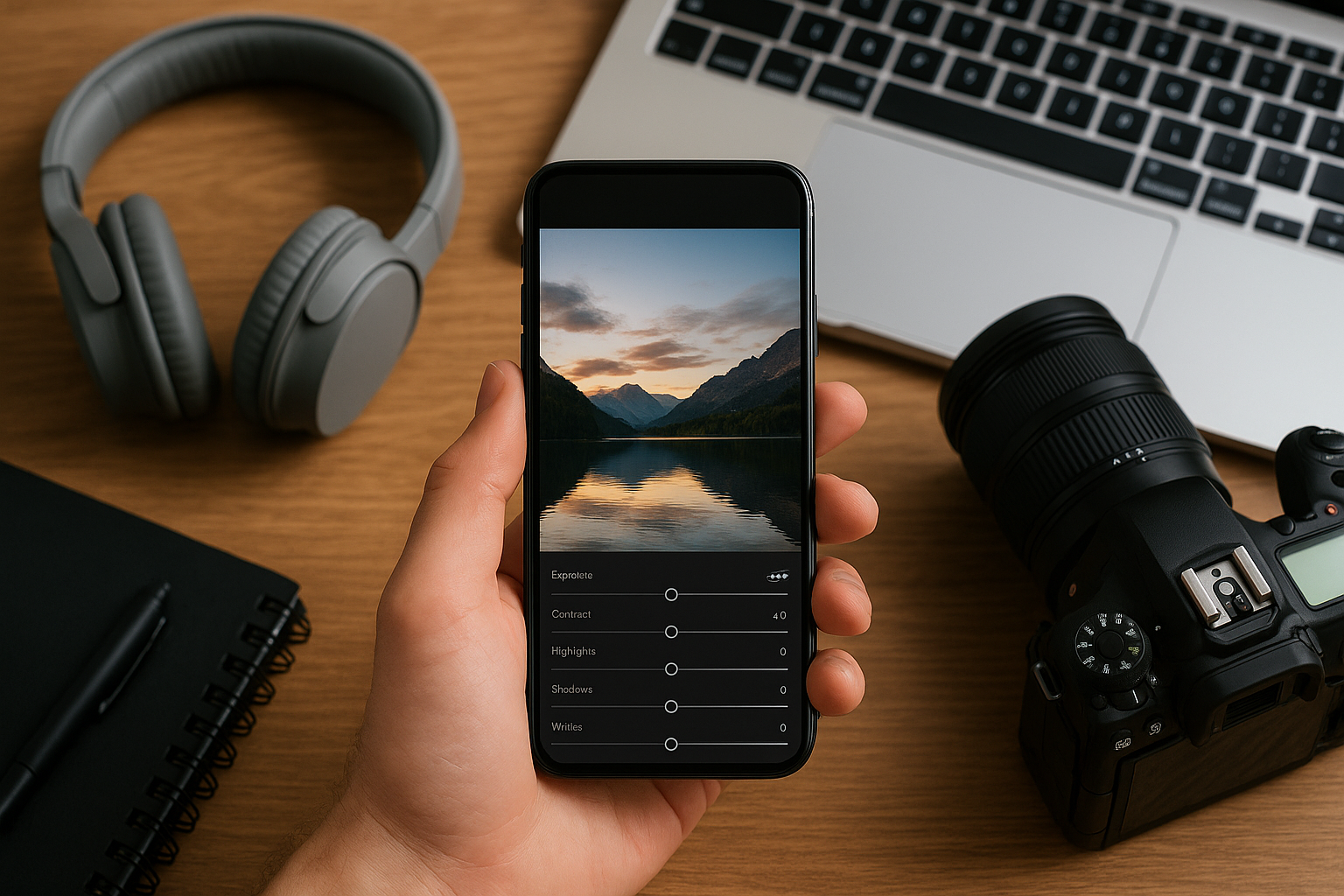
We’re living in the golden age of mobile photography. You no longer need an expensive camera or professional software to create stunning photos. With a modern smartphone and the right editing app, you can transform everyday snapshots into beautiful, polished images worthy of any portfolio or social media feed. But with so many apps available, how do you know which ones are worth your time? Especially if you’re just getting started? As a photographer who’s edited thousands of images — both on desktop and mobile — I can tell you that some of the best tools out there are completely free and surprisingly powerful. In this article, I’ll walk you through the top free photo editing apps for smartphones and how to use them effectively, even if you’re a complete beginner. Why Edit Photos on Your Phone? Let’s address the obvious question: why edit on a phone instead of a computer? Well, for one — it’s fast and convenient. You can shoot, edit, and share within minutes. But more importantly, today’s smartphones are capable of handling complex edits. Whether you want to fine-tune lighting, adjust color tones, remove distractions, or add a stylistic touch, you can do all that from your palm. Mobile editing is perfect for improving your social media content, practicing your eye for color and composition, developing your personal style, and editing on the go while traveling or working from anywhere. Snapseed Platform: Android & iOSDeveloper: Google Snapseed is often the first app I recommend to beginners. It’s intuitive, powerful, and free — with no hidden paywalls or annoying ads. Whether you’re adjusting exposure or creating a dramatic black-and-white portrait, Snapseed can handle it. Why it’s great: Non-destructive editing, tools for exposure, contrast, sharpness, white balance, and curves, selective adjustments and healing tool for object removal, customizable presets, and support for RAW files. Pro tip: Use the “Ambiance” slider to balance lighting in tricky conditions. It subtly adjusts both highlights and shadows, giving your photo depth without overediting. Lightroom Mobile Platform: Android & iOSDeveloper: Adobe Adobe Lightroom is a staple among professional photographers, and its mobile version brings a lot of that power to your phone — even in the free plan. Lightroom Mobile offers advanced color grading tools, full control over lighting, and the ability to save your edits as presets for future use. What makes it stand out: Advanced color and tone sliders, batch editing with presets, a clean user interface, and optional cloud sync for premium users. Pro tip: Don’t rely on filters — create your own editing “recipes” using sliders and save them as presets. That’s how photographers build a consistent style. VSCO Platform: Android & iOSDeveloper: VSCO VSCO is less about precision editing and more about vibes and mood. It’s known for its beautiful filters inspired by analog film and minimalist interface. The free version includes 10 filters and basic editing tools like exposure, contrast, crop, fade, and saturation. Why people love it: Film-inspired filters with a soft, natural finish, a distraction-free interface, and a creative community for inspiration. Pro tip: Combine a subtle filter with manual tweaks to create an edit that feels personal, not overly processed. VSCO is especially great for moody portraits and lifestyle shots. Photoshop Express Platform: Android & iOSDeveloper: Adobe Photoshop Express is Adobe’s lightweight mobile editing app, designed for fast and effective touch-ups. It’s not as powerful as Lightroom, but it’s fast, beginner-friendly, and packed with useful features. What you can do: Auto-enhance lighting and color, apply quick filters and corrections, smooth skin, remove blemishes, reduce noise, and add creative text or frames. Pro tip: Great for editing selfies or creating quick posts with clean, bright adjustments. Use the blemish remover and skin smoothing tools lightly for a natural look. Pixlr Platform: Android & iOSDeveloper: Inmagine Lab Pixlr is a great choice for people who like to experiment. It offers overlays, double exposure, stickers, and collage tools in addition to standard editing features. Why it’s fun: Creative overlays and effects, tools for blending images and adding textures, and a wide range of customizable filters and presets. Pro tip: Try using double exposure to merge two photos and create artistic edits — especially with portraits or travel shots. Polish Platform: Android onlyDeveloper: InShot Inc. Polish is designed with social media creators in mind. It includes vibrant filters, retouch tools, background blur, and trendy effects that are perfect for Instagram-ready content. Highlights: One-tap beauty tools for selfies, neon glow and glitch effects, background eraser and blur tool, and pre-designed collage templates. Pro tip: Use the background blur to fake a DSLR-like depth of field in portraits. Combine with subtle skin smoothing for polished results. Canva Platform: Android, iOS, and WebDeveloper: Canva Canva isn’t a photo editor in the traditional sense, but it’s essential if you’re creating content for social media, YouTube, blogs, or presentations. It allows you to edit photos and design layouts with text, icons, and more. What it does best: Templates for Instagram, YouTube, Pinterest, and more, basic editing tools (crop, filters, brightness), access to design elements, and ability to build your brand visuals. Pro tip: Edit your photo in Snapseed or Lightroom first, then bring it into Canva to create polished, professional graphics or promotional content. How to Build a Simple Editing Workflow If you’re overwhelmed by so many options, don’t worry. You don’t need all the apps at once. A good approach is to build a simple workflow with two or three: Start with Snapseed or Lightroom for technical edits like exposure and color correction. Add your stylistic touch in VSCO or Polish. Finalize the presentation in Canva if you need to create content or graphics. By using apps for what they do best, you develop a consistent editing routine without overcomplicating things. Mistakes to Avoid When Editing on Mobile Even with great tools, editing can go wrong fast. Watch out for these common mistakes: Over-saturation: too much color makes your photo look fake.Excessive filters: let your image breathe.Ignoring cropping: a quick crop
Beginner’s Guide to Photo Editing for a Professional Look
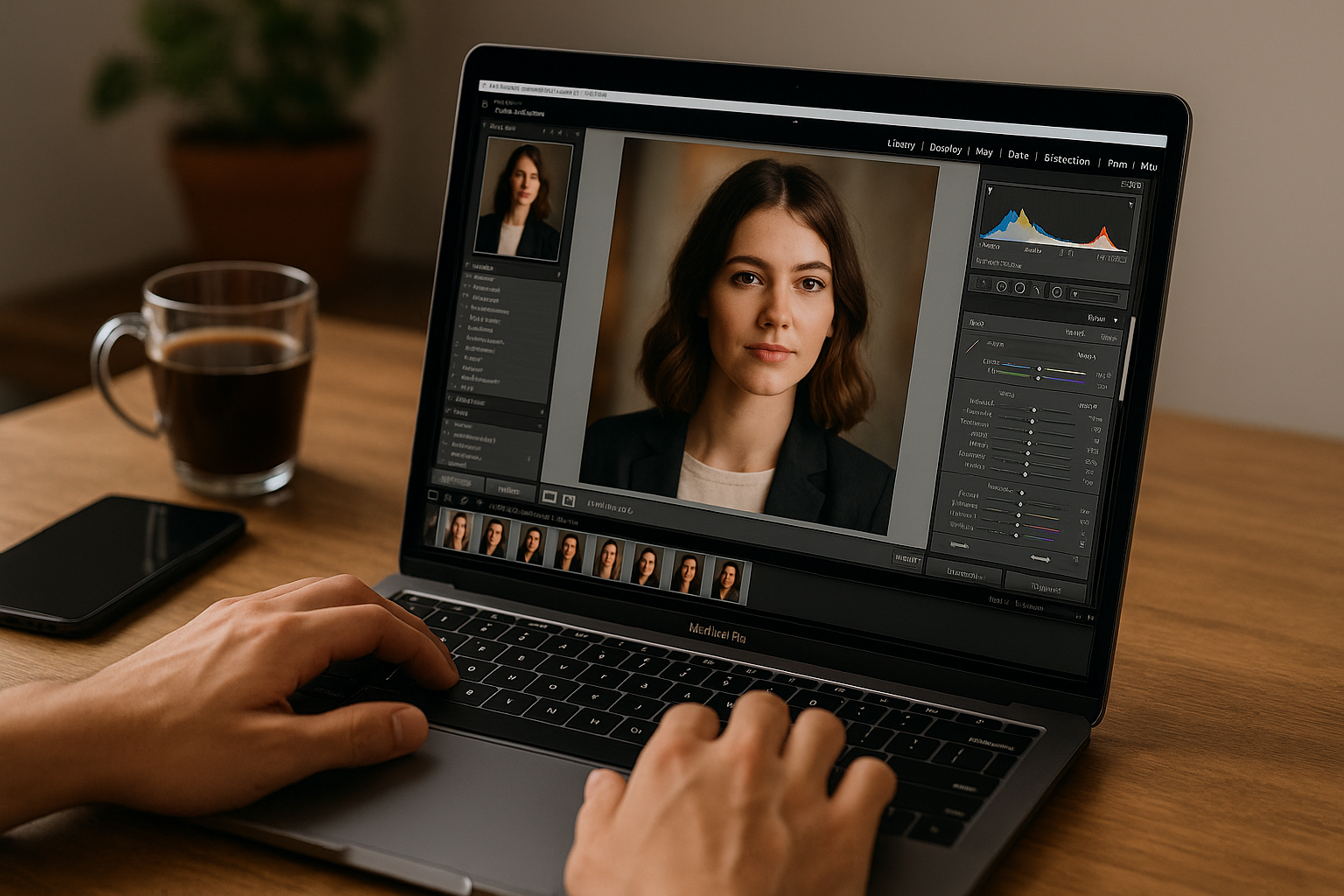
Photography doesn’t end when you press the shutter—it starts there. What separates a nice photo from a striking, professional-looking one is often the editing process. And if you’re just stepping into the world of photography, the idea of photo editing might sound technical or intimidating. But here’s the truth: it’s not about mastering dozens of tools—it’s about understanding what makes a photo work and using the right touches to bring it to life. This guide is for beginners who want to make their photos pop—not through filters or gimmicks, but through thoughtful, artistic decisions that enhance what’s already there. Why Photo Editing is More Than a Touch-Up Let’s get one thing straight: editing isn’t cheating. Think of editing as the digital darkroom. Back in the days of film, photographers spent hours developing photos manually, adjusting exposure, dodging and burning areas, and experimenting with tone and contrast. Today, those same techniques exist—but they’ve moved to your screen. Editing allows you to: And perhaps most importantly, editing helps you express your voice as a photographer. Choosing the Right Tool for the Job You don’t need to spend a fortune to start editing. In fact, many excellent tools are free or offer generous trial versions. Here’s how to decide what fits your current level: For Total Beginners Snapseed: Incredibly intuitive, with pro-level tools wrapped in a clean interface.Photoscape X: Simple layout, great for first-time desktop editors.Lightroom Mobile (Free version): Offers sliders, presets, and non-destructive editing. For Intermediate Growth Lightroom (Desktop): Ideal for consistent, detailed edits and batch processing.Photoshop: More advanced and flexible—great for retouching, composites, or commercial work.Affinity Photo: Powerful alternative to Photoshop, but with a one-time fee. Tip: Start small. You don’t need every tool at once—what matters is mastering the basics. Step-by-Step Editing Workflow Let’s break down a basic photo edit, whether you’re using Lightroom, Snapseed, or another editor. Start with Cropping and Straightening Remove dead space. If the horizon is tilted, fix it. Crop in a way that strengthens composition—think rule of thirds, leading lines, or symmetry. Example: A portrait with too much headroom can be cropped to bring attention to the eyes and face. Tweak Exposure and Contrast Adjust brightness if the image is too dark or overexposed. Use contrast to separate lights and darks, which adds depth and sharpness to the image. Tip: Don’t just slam the contrast slider—learn how to use highlights, shadows, whites, and blacks individually for nuanced control. Adjust White Balance (Color Temperature) An image too cool (blue) or too warm (orange) can feel off. Use the temperature slider to bring the image closer to how the scene felt in real life—or how you want it to feel. Example: A sunset photo may benefit from adding warmth, even if it wasn’t as orange in person. Add Clarity, Texture, and Sharpness These sliders enhance fine details. But be gentle—too much texture can exaggerate skin imperfections in portraits. Tip: Use Clarity for adding punch to landscapes, and Texture for drawing out detail in things like bark, bricks, or fabric. Saturation and Vibrance These adjust color intensity. Saturation affects all colors equally. Vibrance targets the more muted ones—making it the safer, more natural option. Advice: A little vibrance can bring life. Too much saturation can turn a beach scene into a cartoon. Use Selective Tools Many apps offer selective edits. You can brighten just the face in a portrait, or reduce highlights in a specific area of the sky. Example: In Lightroom, the brush and radial filter are your best friends here. Remove Distractions Whether it’s a trash can in the background or a pimple on someone’s face—spot healing tools let you clean things up. Tip: Zoom in! It’s easier to fix issues when you’re working close. Think Like an Artist, Not Just an Editor What are you trying to say with this photo? Editing is a chance to guide the viewer’s eye, emphasize emotion, and create atmosphere. Ask yourself: There’s no right or wrong—just make sure your edits are intentional. Real Talk: A moody black and white portrait might hide distractions and highlight emotion. A bright, vibrant street shot may benefit from extra contrast and punchy colors. Developing Your Own Editing Style Style doesn’t happen overnight. But it does grow with practice. Start saving your favorite edits as presets or templates. Over time, patterns will emerge—maybe you favor high-contrast looks, or soft, pastel tones. Your “look” becomes part of your identity as a photographer. Keep a folder of inspiration: photographers you admire, color palettes you love, or edits that made you say “wow.” Common Mistakes (And How to Avoid Them) Even the best editors made these mistakes early on. Here’s what to watch out for: Over-editing skin: It’s tempting to smooth skin into oblivion, but it ends up looking unnatural.Too much clarity: Especially in portraits, it can make people look older or overly textured.Crushing the blacks: Lifting shadows too much can make the image look flat or “foggy.”Adding heavy vignettes: A soft vignette can add focus—but a strong one just feels forced. Rule of thumb: If you can see the edit before the photo, it’s too much. Practice: The Real Secret to Improvement You won’t learn editing by reading about it—you learn by doing. Take five of your own photos and edit them differently: Compare them side by side. Which feels more you? Challenge: Edit the same photo in three different styles. It’ll teach you just how much power editing holds. Editing by Genre: What Changes? One of the biggest shifts in your editing journey will be learning how to approach different types of photography. A good edit for a landscape might look completely wrong on a portrait. Portraits With portraits, skin tone is everything. Overediting can easily lead to plastic-looking skin or loss of detail in the eyes. Tips: Landscapes Landscapes often benefit from bold contrast and color, but be careful not to push the saturation too far. Tips: Street Photography Street photography is about storytelling. Focus on emotion, light, and composition. Tips: The Emotional
Tips to Make Your Photos Sharper and More Detailed
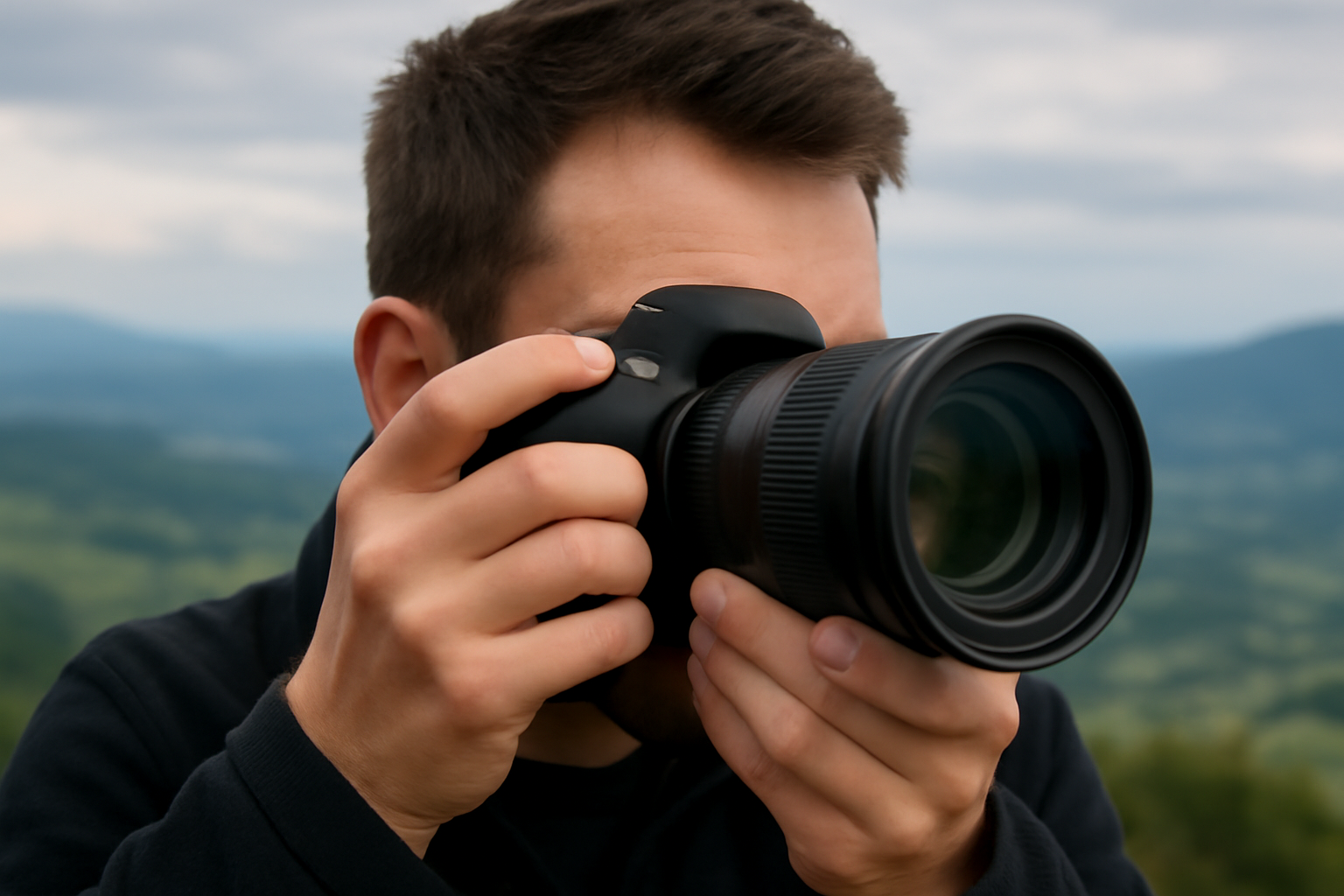
There’s nothing more frustrating than capturing a beautiful moment — only to realize later that your photo is soft, blurry, or lacking in detail. Sharpness is one of the first things people notice in a photo, and it can instantly elevate the perceived quality of your work. But making your photos sharp and detailed isn’t just about having the latest gear. It’s about knowing how to use what you have — understanding how light, focus, shutter speed, and camera handling all come together. This guide covers real, practical tips that will help you create sharper, clearer images — whether you’re shooting portraits, landscapes, street photography, or products. Why Sharpness Matters Sharpness adds clarity, texture, and impact. A sharp photo draws the viewer in and makes them feel closer to the subject. Whether you’re photographing a person’s eyes, the texture of a leaf, or the fine lines of a building, detail helps tell the story. In commercial photography, sharpness can mean professionalism. In personal projects, it makes memories more vivid. It’s a skill worth mastering. Use a Fast Enough Shutter Speed One of the most common reasons photos turn out blurry is because the shutter speed was too slow. A slow shutter speed allows motion blur — either from camera shake or the movement of the subject. A good rule of thumb: your shutter speed should be at least 1 divided by the focal length. For example, if you’re using a 50mm lens, aim for 1/50s or faster. For a 200mm lens, go with 1/200s or faster. If your subject is moving — like a child running, a pet playing, or someone walking — you’ll need an even faster shutter speed, like 1/500s or higher. Stabilize Your Camera Even with a fast shutter speed, hand movement can still cause blur. That’s why camera stabilization is key. Use a tripod or monopod whenever possible. Especially helpful for landscapes, product photography, or low-light situations. Turn on image stabilization (IS or VR) if your lens or camera body offers it — but be aware that some systems should be turned off when using a tripod. Hold your camera properly: tuck your elbows in, support the lens with your left hand underneath, and keep your posture steady. Use a remote shutter or 2-second timer to eliminate the shake from pressing the button manually. Focus with Precision It sounds obvious, but the way you focus matters. Cameras often try to guess what you want in focus — and they don’t always get it right. Use single-point autofocus (AF-S or One Shot) for still subjects. Choose the focus point manually and place it exactly where you want, like the subject’s eyes. Use continuous autofocus (AF-C or AI Servo) for moving subjects. The camera will keep tracking and adjusting as the subject moves. Use manual focus for macro, product, or still-life shots where precision matters. Zoom in using live view to ensure tack-sharp results. Aim for the Eyes If you’re photographing a person or animal, the eyes must be sharp. It’s what people instinctively look at first. Even if the rest of the image is slightly soft, a sharp eye creates a strong connection and emotional pull. Modern cameras with eye detection autofocus are incredibly helpful, but even without it, train yourself to focus on the eye closest to the lens. Choose the Right Aperture Your aperture setting (f-stop) affects depth of field — and that directly impacts what’s in focus. Wider apertures (like f/1.8 or f/2.8) create shallow depth of field. Great for portraits, but you need to be extra careful with focus — just a small movement can shift sharpness. Narrower apertures (like f/8 or f/11) give you more depth and are ideal for landscapes or group shots. Be cautious with very small apertures (like f/22) — they may reduce sharpness due to diffraction. Most lenses are sharpest between f/5.6 and f/11. Use the Lowest ISO Possible (Without Sacrificing Exposure) High ISO introduces noise, which can reduce the apparent sharpness of your photo — especially in shadows or darker areas. Stick to ISO 100 or 200 whenever possible. In low light, balance ISO with shutter speed and aperture. It’s often better to raise ISO slightly than to risk a blurry photo from a too-slow shutter. Noise can be reduced in post-processing, but lost sharpness from blur cannot. Master the Light Light reveals detail. If your lighting is flat or insufficient, your photo will look dull and soft — even if technically in focus. Side lighting or backlighting brings out texture in surfaces like skin, fabric, wood, and stone. Natural light from a window is fantastic for portraits and still life — it’s soft, diffused, and directional. Avoid harsh midday sun — it can wash out details and cause hard shadows. Instead, shoot during golden hour or use diffusers. Use reflectors to bounce light and lift shadows without flattening your subject. Keep Your Lens Clean It may sound simple, but a dirty lens can ruin even the best shot. Use a lens cloth or blower to remove dust and smudges regularly. Avoid touching the front glass — even fingerprints can degrade clarity. Check for internal fog or moisture if shooting in humid environments. Also, be cautious with filters. Low-quality UV filters can degrade image sharpness. If you’re using one, make sure it’s from a reputable brand — or remove it when sharpness is a priority. Shoot in RAW Format RAW files contain much more data than JPEGs. This gives you more flexibility in post-processing, allowing you to sharpen, reduce noise, and enhance details without destroying the image. JPEGs often apply in-camera sharpening, but also compression that can smear details. RAW gives you full control over how your photo is processed — especially useful for professionals or serious enthusiasts. Use the Right Lens for the Job Some lenses are sharper than others. Prime lenses (fixed focal length) tend to be sharper than zooms, especially cheaper zooms. A 50mm f/1.8 prime lens is inexpensive and famously sharp. If
Tips for Photographing People Naturally
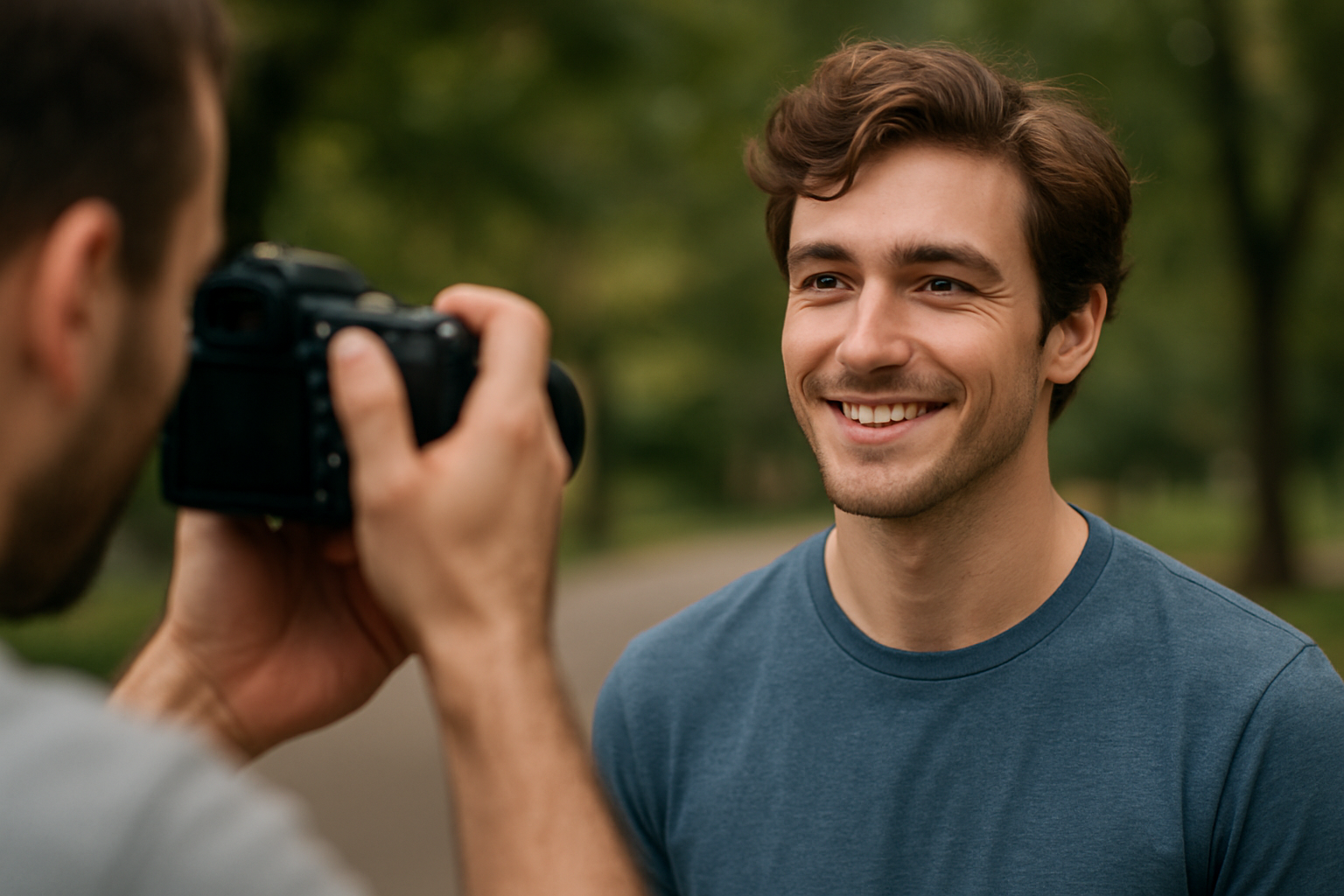
There’s something incredibly powerful about a photo of a person that feels honest — not overly posed, not artificial, just real. Natural portraits connect with the viewer because they reflect life, emotion, and presence. But capturing people in a natural, authentic way is not as easy as it looks. It takes patience, sensitivity, and a real connection between the photographer and the subject. If you’ve ever felt like your portraits look stiff or overly staged, this guide is for you. Let’s explore practical tips and insights to help you photograph people more naturally — with emotion, flow, and real human energy. Understand What “Natural” Really Means Before diving into techniques, let’s clarify something: natural doesn’t mean unplanned. It doesn’t mean you just point the camera and hope for the best. Natural photography is intentional — but it prioritizes comfort, authenticity, and mood over rigid control. In portraits, “natural” can mean: It’s about making the subject feel seen, not just captured. Start with a Conversation, Not a Camera One of the simplest and most powerful things you can do is talk to your subject before taking a single shot. Whether it’s a friend, client, or stranger, give yourself a few minutes to connect. Ask about their day, their music taste, what they’re into. Make eye contact. Smile. Let the camera stay down for a moment. Real story: I once photographed a man who looked incredibly tense in front of the camera. Only after 10 minutes of talking about jazz (his favorite subject) did his whole posture change — and that’s when the magic happened. People aren’t props. When they feel respected, relaxed, and heard, they open up. Location: Choose a Place That Feels Comfortable Your choice of location influences the entire mood of a portrait. Busy places can feel chaotic. Empty fields can feel distant. Neutral backgrounds can feel flat. If your goal is to photograph someone naturally, choose a location where they feel like themselves. For example: You don’t need exotic scenery. You need a place where the person can breathe and be real. Tip: Ask them, “Where do you feel most like yourself?” The answer often leads to great locations. Lighting: Soft Is Best Harsh lighting (like midday sun) often creates strong shadows that feel dramatic and unnatural. For natural portraits, soft, diffused light is your best friend. Here are some go-to light sources for natural-looking results: If you must shoot in harsh light, try using open shade — like under a tree, awning, or the side of a building. Let the Subject Move Posed doesn’t always mean stiff — but holding a position for too long can kill the vibe. One way to keep portraits looking natural is to encourage movement. Ask them to: These micro-movements often lead to in-between moments — where real expression lives. That glance, that shrug, that soft smile… that’s where the gold is. Pro tip: Keep your camera ready during transitions. Some of the best shots happen when the subject thinks you’re not shooting. Give Direction Without Controlling You don’t have to leave everything to chance. But instead of barking orders like, “Turn your head 15 degrees to the right,” try giving visual or emotional cues. Here are some ways to direct naturally: These types of prompts produce real responses — not mannequin poses. Use a Longer Lens (If Possible) Wide-angle lenses are great for environments but tend to distort facial features when used too close. For natural portraits, try using a lens between 50mm and 135mm (full-frame equivalent). A longer focal length: If you’re using a phone, try stepping back and zooming slightly (without digital zoom). Even that subtle distance can help with comfort and naturalness. Don’t Force Eye Contact Some of the most natural portraits are the ones where the subject isn’t looking directly at the camera. Encourage your subject to: These small changes can transform the mood from “posed headshot” to cinematic storytelling. Shoot a Lot — But Be Selective Part of capturing natural expressions is being present — and fast. Don’t hesitate to shoot a lot during a session. Sometimes, you’ll get the shot in a burst of 5–10 frames. But quantity doesn’t mean chaos. In post-processing, be ruthless about what you keep. One natural, emotional, well-lit photo is better than 20 “okay” ones. Look for: Pro insight: Trust your gut. If something makes you feel something, it will likely do the same for others. Black and White Can Elevate Natural Moments Sometimes, stripping away color brings attention to the emotion. Don’t be afraid to convert natural portraits to black and white — especially when: Black and white can give a timeless, honest feel that works especially well for natural, candid shots. Edit Lightly — Keep It Real When editing natural portraits, less is often more. Avoid filters or presets that change skin tones too dramatically or create unnatural contrast. Focus on: The goal is to preserve the feeling of the moment, not overwrite it. Let Silence Do the Work You don’t need to talk constantly during a shoot. In fact, quiet moments often lead to the most genuine expressions. Once your subject is comfortable, give space. Let them settle. Let them breathe. Then, lift the camera and quietly click. Silence invites reflection — and reflection creates real emotion. Tell a Story Through the Series If you’re photographing someone for a series — not just one shot — think about how to show different sides of them. Maybe you start with close-ups, then move to wider shots. Or begin with quiet, introspective images and shift toward joyful energy. Storytelling through portraits isn’t about costumes or themes — it’s about showing the complexity of a real human being. Use Props or Activities to Create Natural Context One of the easiest ways to make people forget about the camera is to give them something to do — not as a distraction, but as a way to engage them naturally. Here are a few examples that work great: These small actions
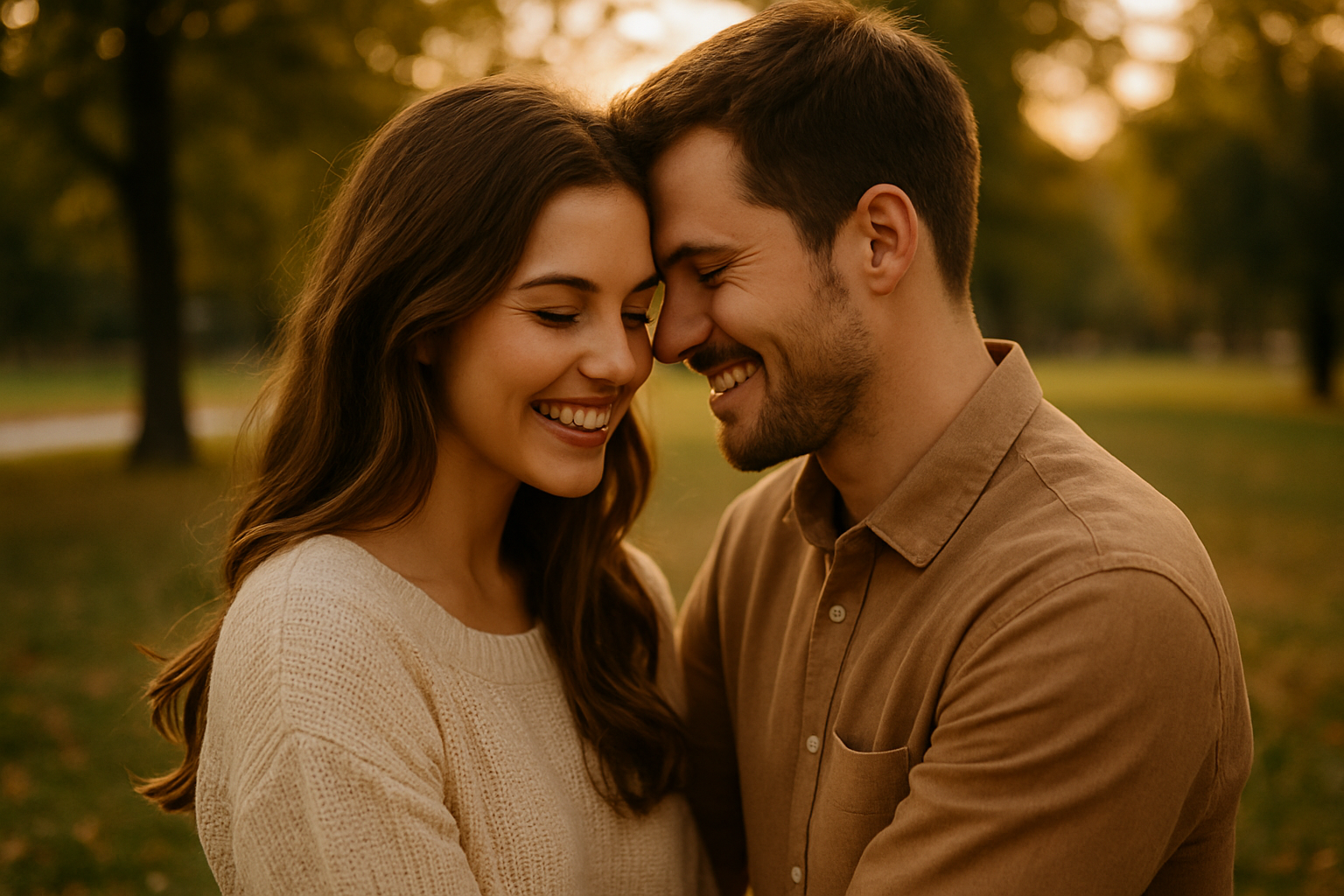
Tips for Photographing Couples Naturally
Photographing couples should feel like storytelling—not posing. The best couple portraits aren’t about forced smiles or staged embraces. They’re about connection, emotion, and the subtle energy that flows between two people. As a photographer, especially one passionate about travel and human stories, your job is to capture that connection in the most authentic way possible. Whether you’re documenting love on a cobblestone street in Prague or under the golden light of a vineyard in Tuscany, photographing couples naturally takes more than technical skill. It takes empathy, creativity, and a deep respect for the people in front of your lens. This guide shares practical, heartfelt tips to help you photograph couples in a way that feels real, relaxed, and timeless. Create a Comfortable Atmosphere Before you even raise your camera, your couple needs to feel at ease. Nervous energy shows. Your first priority should be to build trust and rapport. Start with conversation. Ask how they met, what they love to do together, why they chose this place. Keep it light, personal, and open. The more they talk, the more they relax. Be human, not just professional. Let them know it’s okay to laugh, mess up, or just be themselves. When couples feel seen and respected, they let their guard down—and that’s when the magic happens. Guide, Don’t Pose Instead of saying “stand here and smile,” try giving prompts. Ask one person to whisper something sweet or silly in the other’s ear. Tell them to walk hand-in-hand and bump shoulders playfully. These moments create natural movement and real emotion. Your goal isn’t perfection. It’s honesty. Look for how their bodies lean into each other, how they look when they think no one’s watching. Those are your real portraits. Offer gentle direction only when needed. Focus on interaction, not position. Encourage touch, eye contact, laughter, and pauses. Let moments unfold, then capture them. You can also demonstrate what you mean with body language rather than technical terms—show, don’t tell. Choose Meaningful Locations Place matters. The right location can elevate the emotional tone of the photos and help couples feel more connected. Ask if they have a favorite café, park, or travel memory. If you’re shooting in a new destination, look for quiet spots with natural light and some space to move. Natural backdrops like cliffs, forests, beaches, or old streets work beautifully. Urban environments with textures, reflections, and depth can also be stunning. Choose locations that allow intimacy. Somewhere they can be close without distractions, somewhere they can move freely and enjoy the experience together. Consider shooting in multiple nearby locations to give the couple variety and new energy during the session. Observe and Anticipate Pay attention to how they interact when they think you’re not shooting. Their natural body language, private jokes, and comfortable silences are clues. Anticipate gestures: a forehead kiss, a shared laugh, hands finding each other. Be ready—not to stage the moment, but to catch it when it comes. Sometimes the best shots happen between poses, in the seconds of stillness or spontaneous joy. Keep your camera up and your energy relaxed. Use quiet moments as storytelling tools—observe how their expressions shift in different environments or light. Use Movement to Loosen Them Up Stillness can feel awkward for many couples. Movement adds comfort and spontaneity. Have them walk, dance, spin, sway, or run. Play music if it helps. Ask them to mirror each other’s movements. These actions distract them from the camera and focus their attention on each other. Movement also helps loosen facial expressions and adds flow to your compositions. A walking shot with one quick glance or hand squeeze often carries more emotion than a static pose. Let them lead the movement at times—it reveals dynamics and often sparks genuine laughter or intimacy. Focus on Emotion, Not Perfection Perfect lighting, perfect clothes, perfect smiles—none of that matters if the emotion isn’t real. Prioritize feeling over flawless technique. Let go of technical perfection when it gets in the way. If the light is soft and the moment is strong, click the shutter. If the expression is true but the composition is off, take it anyway. Emotion is timeless. A blurry photo full of love is better than a sharp one that feels cold. Look for micro-expressions and subtle gestures—those quiet signs of affection often become the most powerful images. Incorporate the Environment Use the surrounding scene to complement the couple’s story. Frame them in a window, behind hanging vines, or between architectural lines. Let the location become part of the narrative. Reflections in puddles, shadows on walls, sun flares, or motion blur can all add atmosphere. Just be sure the couple remains the emotional focus. You’re not just documenting faces—you’re capturing context. Where they are can say as much as how they feel. Even background sounds—waves, city bustle, leaves—can subtly shape the energy of your images if you let the moment unfold naturally. Work With Natural Light Natural light enhances natural moments. Look for soft light during golden hour, gentle shadows during overcast days, and warm tones during sunrise or sunset. Avoid harsh midday light unless you’re using shade or reflectors. Let light fall gently across faces and skin. Backlighting can add glow and softness. Travel offers amazing light variety—city reflections, mountain haze, beach sunsets. Learn to adapt quickly and use available light creatively. Observe how the light interacts with your couple and your environment. Be flexible and ready to reposition quickly when a magical beam appears. Encourage Intimacy, Respectfully Couples express love in different ways. Some are openly affectionate; others are subtle. Respect their dynamic and never push for moments they’re not comfortable with. Encourage closeness by reminding them why they’re there. Share their story back to them. Create moments that feel safe and organic. A quiet forehead touch, hands clasped, a shared laugh—these gestures speak volumes. Intimacy doesn’t always mean kisses or embraces. It means presence. Trust-building is key here. If they feel safe, they’ll show you their real love—not the version they think
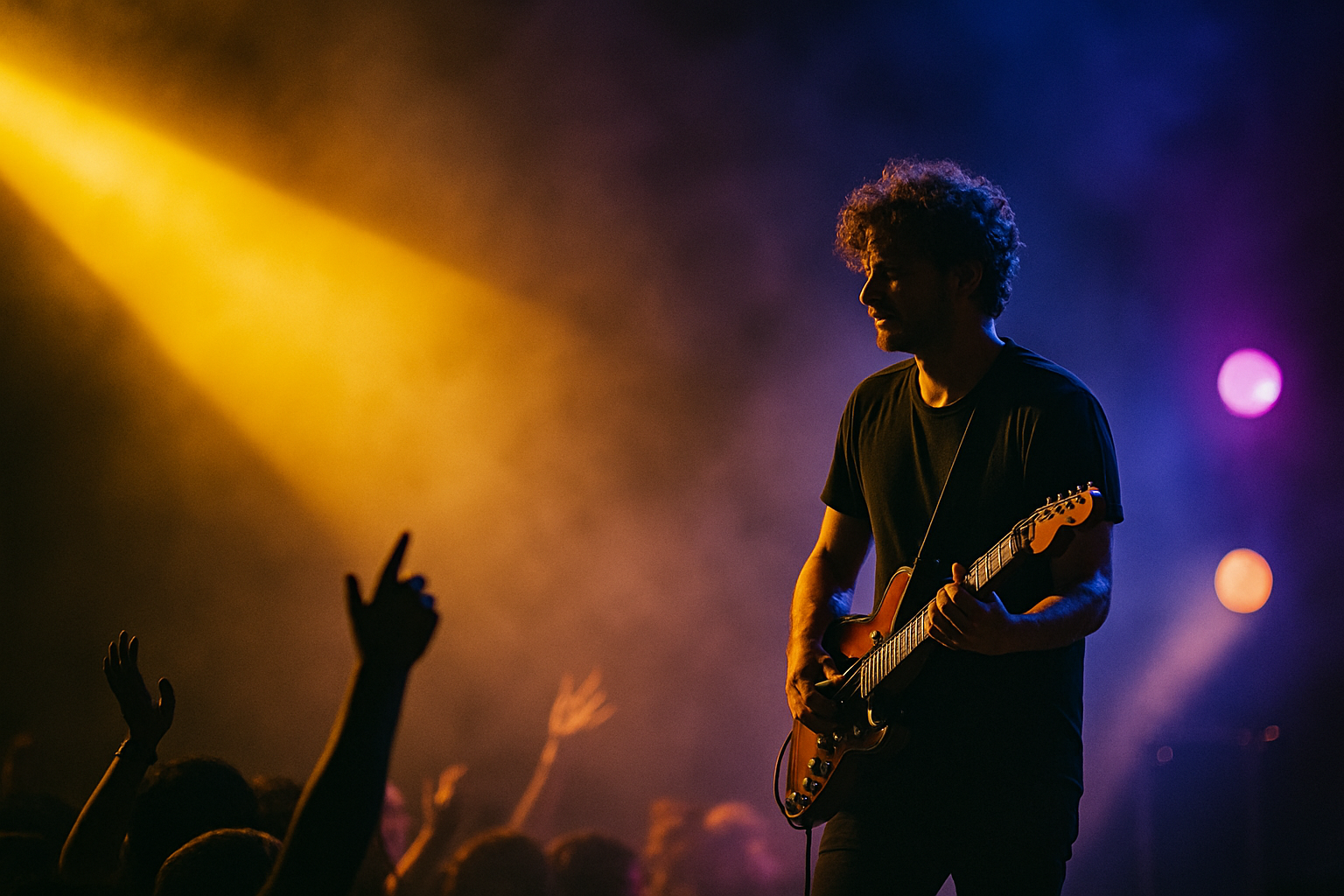
Tips for Photographing Concerts and Live Events
Concerts and live events are thrilling, chaotic, emotional—and visually stunning. For photographers, they offer a dynamic playground filled with dramatic lighting, raw energy, and fleeting expressions. But capturing these moments is not as simple as pointing and shooting. From navigating low-light conditions to handling fast-moving subjects and unpredictable crowds, photographing live events requires a mix of technical skill, creative intuition, and practical know-how. Whether you’re shooting a local indie gig or a major music festival, mastering the art of live event photography can lead to some of the most powerful and memorable images in your portfolio. Here’s how to approach the challenge and capture the essence of a concert like a pro. Know the Event Before You Arrive Preparation is everything. Before the show, learn as much as you can about the event: Familiarize yourself with the artists and their stage presence by watching past performances or music videos. Understanding their energy will help you anticipate key moments. Check the venue rules about photography. Some events may have restrictions on professional gear, flash use, or where photographers can stand. Having a shot list or visual goals in mind will also help you stay focused and ready. Think about the story you want to tell. Use the Right Gear When it comes to concerts, low light and fast motion are the norm. Here’s what you need: Bring extra batteries and memory cards. If allowed, consider ear protection—venues can be LOUD. Keep your gear bag minimal and organized for quick access in tight spaces. A dual-camera setup (one wide, one telephoto) can be invaluable for switching compositions on the fly. Also consider lens hoods to help control stage glare. Master Low-Light Shooting Concerts are notoriously dim, but that doesn’t mean your photos have to be. Embrace the light you have: Shoot in RAW to give yourself more flexibility in post-processing. If the lighting changes frequently, set your white balance to auto and correct it later. Use histogram and highlight alerts to avoid blown-out lights or underexposed shadows. Don’t rely on the LCD preview alone. Work With Stage Lighting, Not Against It Stage lighting is dramatic and beautiful—but tricky. Use it to your advantage: Avoid using flash—it’s disruptive, often prohibited, and ruins the natural ambiance. Think like a cinematographer: use contrast, shadows, and lighting direction to enhance your story. Don’t shy away from moody, high-contrast scenes. They often carry more impact. Learn to read lighting setups and anticipate transitions. Anticipate the Action Live events move fast. To catch decisive moments, you have to think ahead: Keep both eyes open: one in the viewfinder, the other observing the scene. Great event photographers are part journalist, part dancer—always moving, always ready. Position yourself where you can see expressions and body language clearly. Anticipation often makes the difference between good and great. Find Strong Compositions Even in chaos, there’s structure. Look for: Get a variety of angles—wide shots of the whole stage, tight shots of expressions, close-ups of instruments. Try to include contextual elements like the venue, banners, or fans to tell a fuller story. Don’t be afraid to crop in post to isolate strong visual moments. Use symmetry, patterns, and negative space creatively. Capture the Audience Too The crowd is half the story. Don’t forget to turn around: These images add emotion and immersion to your concert story. Moments of connection between performer and audience are golden—don’t miss them. Crowd reactions can sometimes tell the story better than the stage. Capture emotions and movement that complement the energy onstage. Move With Purpose You’ll likely be working in a packed, energetic environment. Move respectfully and deliberately: Quick feet and quiet movement go a long way. Build relationships with venue staff and be professional. It can open doors for future access. Use smaller movements to reduce motion blur in tight spaces. Move with intention—not just instinct. Tell a Story With Your Photos Don’t just shoot random moments—craft a narrative. A cohesive photo story can live on blogs, portfolios, or social media galleries. Include backstage or behind-the-scenes images if you have access—they give rare insight. Tell the story of the experience, not just the performance. Let your photos reflect the music’s tone and emotion. Be Mindful of the Vibe Concerts have emotional energy. Respect it. Blend in and let your presence be subtle. Being unobtrusive builds trust and earns better access. Let the energy guide your composition style—calm for acoustic sets, bold for rock. Each genre tells its story differently—reflect that in your framing and post-processing choices. Post-Process With Purpose Editing concert photos takes finesse: Create black and white versions for mood and timelessness. Batch process to maintain consistency if you’re delivering a set. Use presets or LUTs to develop a consistent style across events. Your editing style becomes part of your visual signature. Respect Legal and Ethical Boundaries Some events and artists have strict rules: If you plan to sell or publish images, confirm what usage rights you have. Ethical photography builds long-term reputation and trust. When in doubt, ask. Transparency always wins. Respect for artists and attendees builds long-term relationships. Build a Portfolio, Then Get Published Once you’ve captured great live event shots: Use these experiences to grow your network and credibility. Photography at concerts isn’t just art—it’s community, culture, and collaboration. Consistency and professionalism can turn your passion into a career. Show not just talent, but reliability. Stay Passionate and Keep Learning Every event teaches you something new. Embrace it: The more you shoot, the more intuitive your timing, settings, and creative voice will become. Consider assisting or shadowing experienced photographers to accelerate your growth. Attend workshops or photo meetups focused on live events. Final Thought: Capture the Feeling In the end, it’s not about sharpness or settings—it’s about emotion. When someone looks at your photo, they should hear the music, feel the lights, and remember the moment. Concert photography is more than technical skill—it’s storytelling with rhythm, light, and heart. So next time you step into a venue with your camera, don’t just