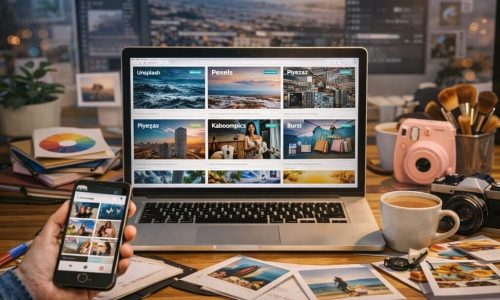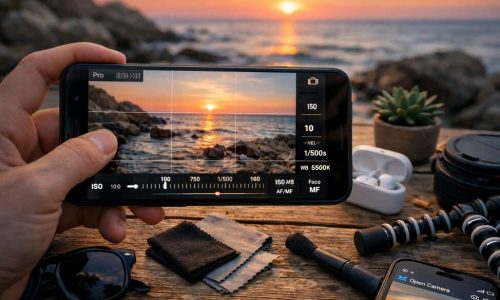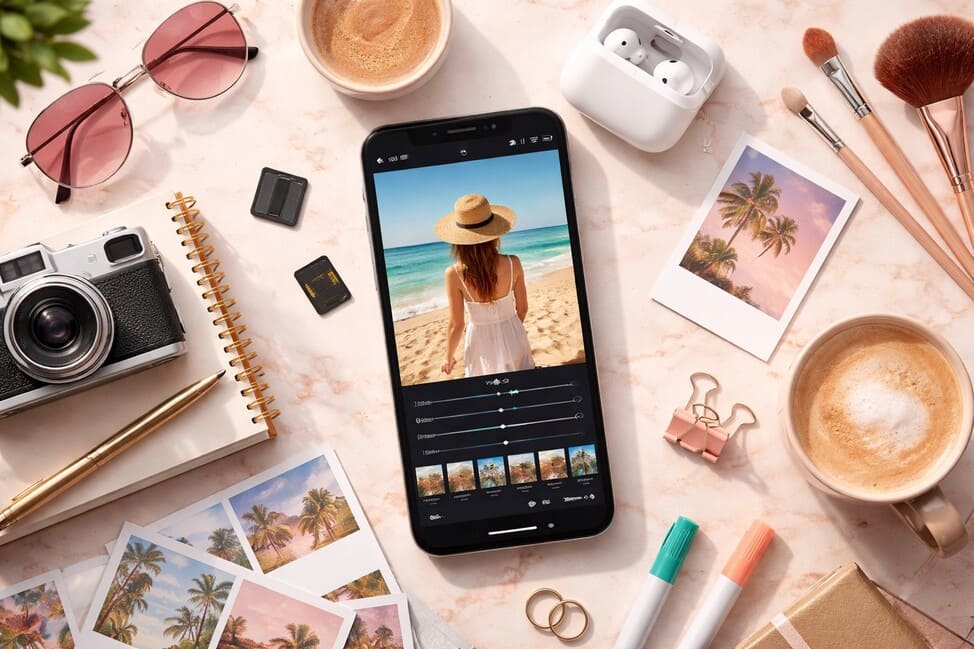
Creating impactful images has never been so accessible. The camera is in the palm of your hand and, with it, a universe of apps that can turn any shot into content worthy of a professional feed.
The world of photo editing apps has evolved: it used to be mostly about ready-made filters, and today it’s a blend of technology, style, and visual identity. For people who create content for social media, mastering these apps is part of the creative routine — and it’s also what separates an ordinary post from an image that stops the scroll and sparks engagement.
Below, you’ll find the best photo editing apps in 2026, both free and paid, with practical notes, key features, and real usage tips to level up your photos right from your phone.
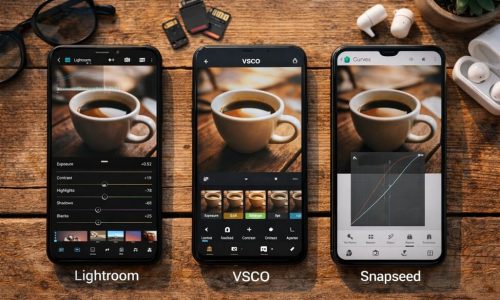
1. Lightroom Mobile (Adobe)
Lightroom Mobile remains a top reference for creators and digital photographers.
Available for Android and iOS, it offers professional control over color, light, and texture, powered by the same engine used in the desktop version — ideal if you want consistent edits.
Key features:
- Full control of exposure, contrast, and curves.
- Selective adjustments (premium).
- Cloud sync (Adobe Cloud).
- Create and import custom presets.
Why it’s worth it:
It’s a favorite for anyone building a consistent visual identity, with photos that look professionally graded.
Plan: Free (with limitations) and Premium via subscription.
2. Snapseed (Google)
Snapseed is a favorite among creators who want precise editing for free.
Its biggest advantage is the quality of manual tools — you can fine-tune contrast, saturation, and perspective with precision, without losing quality.
Highlights:
- “Selective” and “Brush” tools for targeted corrections.
- Portrait and HDR effects with a professional look.
- RAW editing (unprocessed files).
- Clean interface, no ads.
Quick step-by-step:
- Open your photo and tap “Tools.”
- Choose “Tune Image” for light and color.
- Use “Details” for sharpness.
- Finish with “Portrait” for a polished touch.
Cost: 100% free.
3. VSCO
VSCO is almost a synonym for aesthetics. It combines cinematic filters with solid light and color controls, perfect for the lifestyle and minimalist look common on social platforms.
What makes it special:
- Film-like presets (soft tones and realistic grain).
- Advanced temperature and tint controls.
- Video tools (premium).
- Built-in community for visual inspiration.
Creator tip:
Blend two presets at low intensity (for example, A6 + HB2 around 50%), then adjust contrast manually to keep it natural.
Plan: Free with paid features (annual subscription).
4. PicsArt
PicsArt is ideal if you want to create visual art, not only classic photo edits.
It combines filters, collages, frames, and creative manipulation tools that feel like Photoshop — but with a simple mobile workflow.
Standout features:
- Automatic background removal.
- Graphic overlays and elements.
- Artistic and neon effects.
- Built-in sticker and typography library.
Who it’s for:
Influencers, Reels creators, and anyone who makes quick post designs directly on the phone.
Plan: Free with a Gold (premium) option.
5. Canva
Canva is no longer just a design editor — it’s a full creation platform.
In the context of photo editing apps, it offers filters, color adjustments, cropping, background removal, and templates sized for social media.
Why it’s essential:
- Templates optimized for Instagram, TikTok, and Pinterest.
- Photo editing integrated with post design.
- AI tools (background removal and auto enhancement).
- Sync between phone and desktop.
Basic step-by-step:
- Start a new design.
- Tap “Edit photo” and adjust brightness, contrast, and saturation.
- Apply a subtle filter and export for the platform you want.
Plan: Free + Canva Pro (monthly subscription).
6. CapCut
Although it’s best known for video, CapCut has gained space for photo editing too.
It’s great for creating images with motion-style effects, dynamic captions, and visual storytelling, widely used for Reels and animated carousels.
What’s new in 2026:
- Color filters for photos and videos.
- AI skin and sharpness enhancements.
- Built-in lighting effects.
- “3D photo” feature.
Creator tip:
Use CapCut to build animated thumbnails and video covers with a cinematic feel — it can boost CTR on social platforms.
Plan: Free (with optional premium features).
7. Remini
Remini is a lifesaver for older photos or images that are slightly out of focus.
With AI, it enhances sharpness, reduces noise, and restores image quality in just a few taps.
Best uses:
- Bring old photos back for nostalgic posts.
- Improve selfies taken in low light.
- Upgrade images for thumbnails or Reels covers.
How to use:
- Select the photo.
- Tap “Enhance.”
- Wait for the AI processing.
- Save, then fine-tune in another app if needed.
Plan: Free with daily credits and a Pro unlimited version.
8. Polarr
Polarr is a refined option, popular with creators who love custom presets and a distinct feed style.
You can build your own filters, share them with other creators, and apply consistent edits quickly.
Advantages:
- Fast, lightweight interface.
- Shareable presets via QR code.
- Retouch tools and color grading controls.
Why use it:
Excellent for building a personal brand identity so every photo follows the same palette and mood.
Plan: Free with a Pro version.
9. Prequel
Prequel is the app for the “aesthetic” vibe.
If you want golden glow, vintage grain, or pastel tones that trend on Reels, it’s all there — with strong visual curation.
Popular features:
- Retro effects and light filters.
- Film textures and realistic sparkle.
- Themed filter packs (vintage, cinematic, minimal).
- Real-time preview while editing.
Plan: Free with Premium subscription for exclusive filters.
10. Afterlight
Afterlight is for people who love subtlety.
With a clean interface and precise tools, it offers fine control over light, saturation, and texture — perfect for photos that look natural but technically polished.
Differentials:
- Professional analog-style filters.
- Individual RGB curves.
- Dust and light leak textures.
- RAW support.
Ideal for: minimalist creators who want harmony across the feed.
Plan: Free with a paid full version.
11. Fotor
Fotor balances ease and power.
It offers AI tools that automatically adjust brightness, saturation, and background, plus collage and facial enhancement features.
Highlights:
- Smart auto enhancement.
- Ready-to-use templates for social media.
- Face retouching and color correction.
Plan: Free and Pro with more features.
12. Lensa
Lensa, by Prisma Labs, became famous for AI avatars, but its editor is also excellent.
It delivers automatic color and focus tuning, plus exclusive cinematic filters.
Extra tip:
Great for profile selfies, covers, and personal branding shots — the kind that need to look professional but still natural.
Plan: Free with a Pro version.
13. AirBrush
AirBrush is one of the most popular apps among fashion and beauty influencers.
It offers retouch tools that can keep the face natural, without looking artificial.
Notable tools:
- Skin smoothing without losing texture.
- Teeth correction, eye brightness, and face lighting.
- Realistic makeup effects.
Plan: Free with Premium subscription.
14. Toolwiz Photos
Less well-known, but powerful.
Toolwiz Photos includes 200+ tools that combine classic editing, digital art, and creative manipulation.
What you get:
- Curves, tones, and color grading controls.
- Photo overlays and text tools.
- Painting effects and creative blends.
Ideal for: creators who want artistic styles and standout feed visuals.
15. Pixlr
To close the list, Pixlr is lightweight, simple, and versatile.
Perfect for fast results: collages, filters, auto adjustments, and layer-style overlays in seconds.
Advantages:
- Simple, intuitive interface.
- Smart cropping tools.
- Large library of filters and frames.
Plan: Free with ads and a Pro version without limitations.
How to choose the right app for your style
With so many options, the best choice depends on your creative goal.
- Clean, minimalist feed: VSCO, Afterlight, Polarr.
- High-impact photos: Lightroom, Snapseed, Fotor.
- Ready-to-post designs: Canva, PicsArt, CapCut.
- Selfies and portraits: AirBrush, Lensa, Remini.
- Retro or artistic aesthetics: Prequel, Toolwiz.
Pro tip: define a color palette and visual style and keep it consistent across posts. That helps people recognize your identity instantly — a key step for organic growth.
Step-by-step to make your photos look professional
- Shoot with intention: think about composition, light, and framing.
- Pick the right app: start with a base editor (Snapseed or Lightroom).
- Adjust exposure and color: keep tones consistent.
- Apply a light filter: less is more.
- Finish with style: use Canva or CapCut for text, glow, or the ideal format for Instagram.
- Save in high resolution: avoid quality compression.
- Review your feed as a whole: consistency matters more than a single perfect photo.
The power of good editing
Editing photos is more than boosting colors — it’s translating feelings, telling stories, and building a visual style that speaks before the caption does.
Photo editing apps are now tools of visual expression, capable of turning simple moments into visual narratives that connect.
Pick the apps that match your style, experiment freely, and remember: the secret isn’t only the tool — it’s the eye behind the creation.
Your content reflects your vision — and the world is ready to see it.